



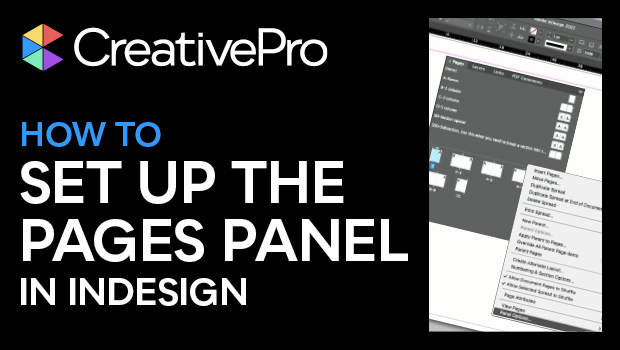
In this video, Keith Gilbert shows how he sets up his Pages panel in InDesign for maximum efficiency. From displaying pages horizontally or vertically to page naming considerations, he shares best practices for working with pages, especially for files that will be collaborated on with others.
This video is an excerpt from Keith’s “Parent Pages and Flowing Text in InDesign” session at CreativePro Week.
Subscribe to the CreativePro YouTube channel for more helpful design tips!
This article was last modified on September 23, 2025
This article was first published on June 20, 2024
Commenting is easier and faster when you're logged in!

Recommended for you

Tip of the Week: Customizing the Control Panel
This tip was sent to Tip of the Week email subscribers on July 30, 2015. Sign up...
Tip of the Week: Showing Hidden Panels
Sign up for the InDesign tip of the week to get a new tip, roundups of new artic...
A Copy/Paste Deep Dive
Sandee Cohen takes a deep dive into two of the most fundamental commands in InDe...