



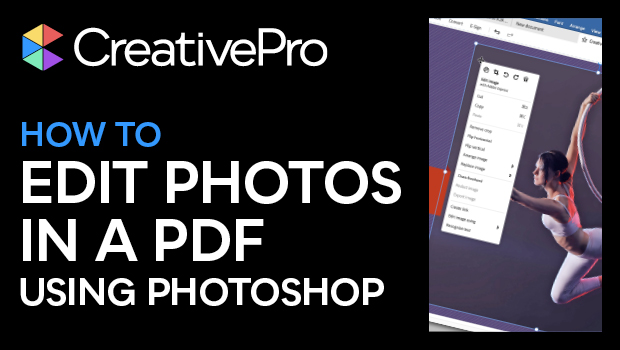
In this Acrobat how-to video, Mike Rankin shows how to make modifications to a photo in a PDF, with a little help from Photoshop. He demos choosing to make edits in Photoshop, via the edit option within Acrobat. Once the edits are made, Mike saves the file and it’s replaced and ready to go within the PDF.
Subscribe to the CreativePro YouTube channel for more helpful design tips!
This article was last modified on August 29, 2025
This article was first published on May 27, 2025
Commenting is easier and faster when you're logged in!

Recommended for you
How to Set Default Shapes, Lines, and Text Box Styles in PowerPoint
One way to make working in PowerPoint smoother is to set default shapes, lines,...

How to Turn Off Features You Don’t Want to Use in PowerPoint
The first step to making the PowerPoint UI a better place to work is to adjust s...

Members-Only Video: Essential Tips and Tricks Every InDesign User Needs
David Blatner demonstrates some of his all-time favorite tips and tricks for InD...