




In this “Three Minutes Max” video, Chad Chelius demos how to create custom dot leaders to use with tabs in InDesign. He sets up a stroke to use as an underline and—through the power of styles—is able to apply and refine the look of the tab leaders easily.
Three Minutes Max comes from a fun—yet very competitive—session at our annual CreativePro Week conference. Speakers have three minutes to wow the audience with the tip and win a prize for a lucky conference attendee.
Subscribe to the CreativePro YouTube channel for more helpful design tips!
This article was last modified on August 29, 2025
This article was first published on November 18, 2024
Commenting is easier and faster when you're logged in!

Recommended for you
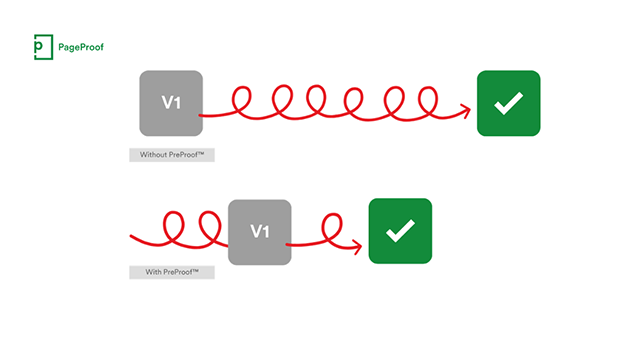
PageProof unveils PreProof™, giving creative teams better first proofs and fewer review rounds
PageProof’s new PreProof™ capability helps designers catch spelling, brand, and...

Closed Captioning in Premiere
Add captions to your Premiere video to ensure everyone benefits from its audio t...

Making Tables Accessible
Learn how to correctly tag complex PDF table headers for screen readers with Dax...