



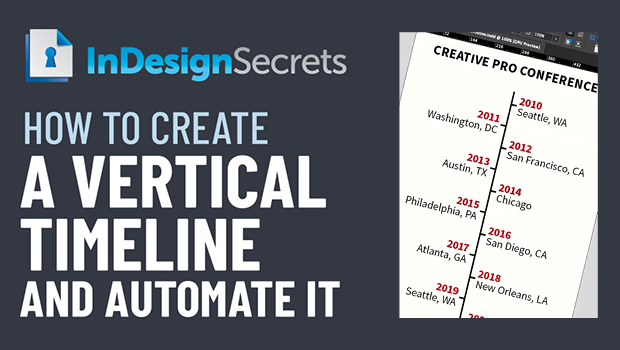
In this Three Minutes Max video, Nigel French shows how to create a clever, vertical timeline in InDesign. By carefully setting up indents, paragraph rules and borders, and paragraph and object styles, he is able to automate creating the timeline with just one click.
Three Minutes Max comes from a fun—yet very competitive—session at our annual CreativePro Week conference. Speakers have three minutes (max!) to wow the audience with the tip and win a prize for a lucky conference attendee. To find out how to attend this incredible, information-packed week, check out https://CreativeProWeek.com.
This article was last modified on August 29, 2025
This article was first published on July 15, 2022
Commenting is easier and faster when you're logged in!

Recommended for you

How to Make Alternate Text Styles in Microsoft Word
Working in Microsoft Word? Shawn Jordison shows you how to spruce up your docume...

Creating Smarter Text Styles for Long Documents
Working as both a designer and prepress specialist, I receive a lot of files tha...
How to Strip a Document of Styles
When a client asks for the original files, you may feel tempted to strip out all...