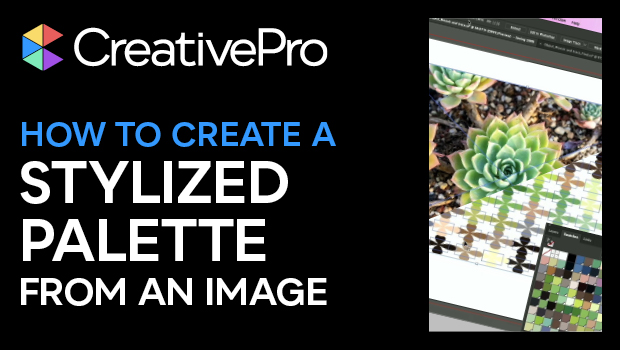
In this “Three Minutes Max” Illustrator video, Chana Messer creates a color swatch palette quickly from an image. Using the magic of the Object Mosaic feature, she easily samples dozens of swatches from a photo. Chana then adds an effect to the swatches on the artboard to add visual interest to the colorful palette.
Three Minutes Max comes from a fun—yet very competitive—session at our annual CreativePro Week conference. Speakers have three minutes to wow the audience with the tip and win a prize for a lucky conference attendee.
Subscribe to the CreativePro YouTube channel for more helpful design tips!
This article was last modified on August 29, 2025
This article was first published on August 29, 2025
Commenting is easier and faster when you're logged in!

Recommended for you
Create a Pantone Swatch in Illustrator
Make your own Pantone Swatch colors in Illustrator with Theresa Jackson.

CreativePro Week 2026 Preview: 5 Pixel-Perfect Photoshop and Illustrator Sessions
Our Editor in Chief lists his must-see Photoshop and Illustrator sessions at Cre...