



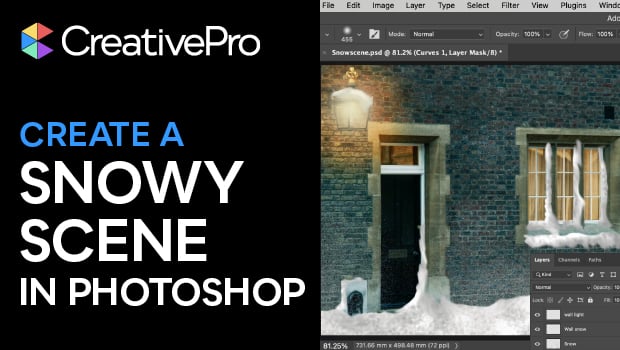
In this Photoshop how-to video, Steve Caplin shows how to turn a basic street photo into a winter wonderland. Using the Lasso tool, Curves adjustment, and layer masks, Steve transforms dark windows into warm glowing lights. Then, he adds fallen snow and snowdrifts using a range of Photoshop brushes, blurs, and effects.
Subscribe to the CreativePro YouTube channel for more helpful design tips!
This article was last modified on December 9, 2025
This article was first published on December 9, 2025
Commenting is easier and faster when you're logged in!

Recommended for you


A Script to Rotate Objects in InDesign with an Object Style
If you were to ask me how to use an object style to rotate objects in InDesign,...

Style Numbers the Smart Way in InDesign
Improve number alignment across your InDesign document with the right OpenType s...