



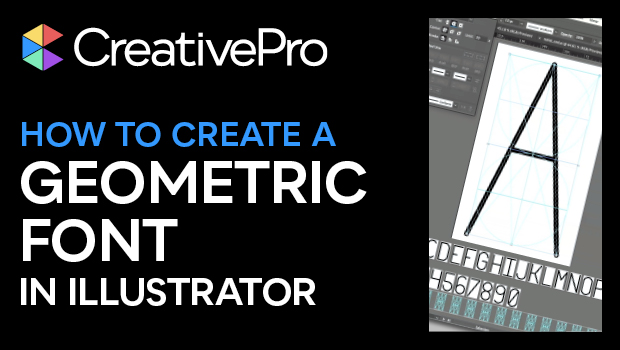
In this “Three Minutes Max” video, Nigel French shows how to use a geometric shape as a guide to create a unicase font in Illustrator. He starts by converting the grid to actual guides and then uses the Live Paint Bucket to create each segment of the individual glyphs.
Three Minutes Max comes from a fun—yet very competitive—session at our annual CreativePro Week conference. Speakers have three minutes to wow the audience with the tip and win a prize for a lucky conference attendee.
Subscribe to the CreativePro YouTube channel for more helpful design tips!
This article was last modified on August 29, 2025
This article was first published on September 20, 2024
Commenting is easier and faster when you're logged in!

Recommended for you

Tip of the Week: Using SVG Images in InDesign
How to use SVG images in InDesign with some help from Adobe Illustrator, includi...

How to Create Better Block Shadows in Illustrator
Learn a better way to create the most efficient long block shadows in Illustrato...
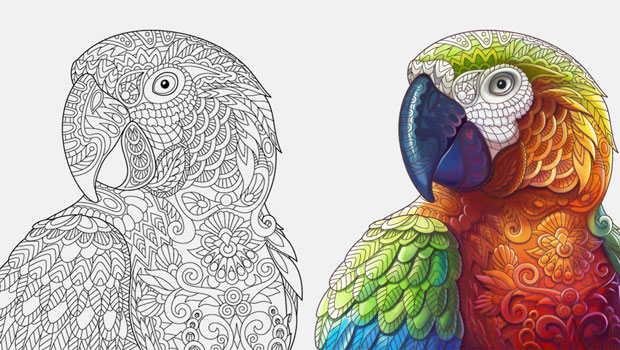
Live Paint in Illustrator
Illustrator’s Live Paint feature transforms the work of coloring graphics into p...