




In this PowerPoint how-to video, Jole Simmons shows us how to think like a film director and add a cinematic focus shift in our slides. He shows how to “pull focus” from one subject to the next by using the Morph transition. By adjusting the blur and moving elements, Jole creates the illusion of zoom and focus.
This video is an excerpt from Jole’s “Animation in PowerPoint” session at CreativePro Week 2024.
Subscribe to the CreativePro YouTube channel for more helpful design tips!
This article was last modified on August 29, 2025
This article was first published on December 13, 2024
Commenting is easier and faster when you're logged in!

Recommended for you
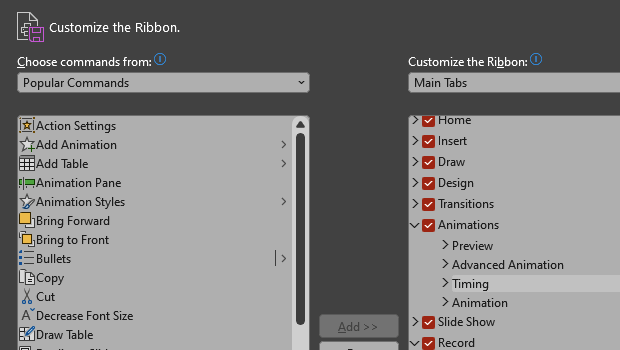
How to Customize the Ribbon in PowerPoint
Make PowerPoint work for you, by customizing the Ribbon, hiding tabs you don’t u...

How to Edit Shapes in PowerPoint with the Edit Points Command
When you’ve got a shape on your PowerPoint slide but it’s not quite right, there...

Editor’s Picks for The Presentation Design Conference 2026
Our Editor in Chief lists his five must-see sessions at The Presentation Design...