



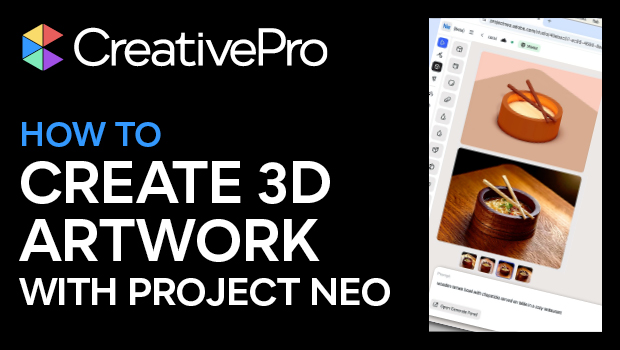
In this CreativePro Week sneak peek, Rob De Winter demonstrates the powerful capabilities of Adobe’s Project Neo beta. This innovative tool allows users to create 3D vector images and guides, which can be seamlessly integrated with Adobe Firefly assets and even exported as vectors to Illustrator.
This video is a preview of Rob’s session at our upcoming CreativePro Week Conference. See the agenda and register now!
Subscribe to the CreativePro YouTube channel for more helpful design tips!
This article was last modified on August 29, 2025
This article was first published on February 26, 2025
Commenting is easier and faster when you're logged in!

Recommended for you
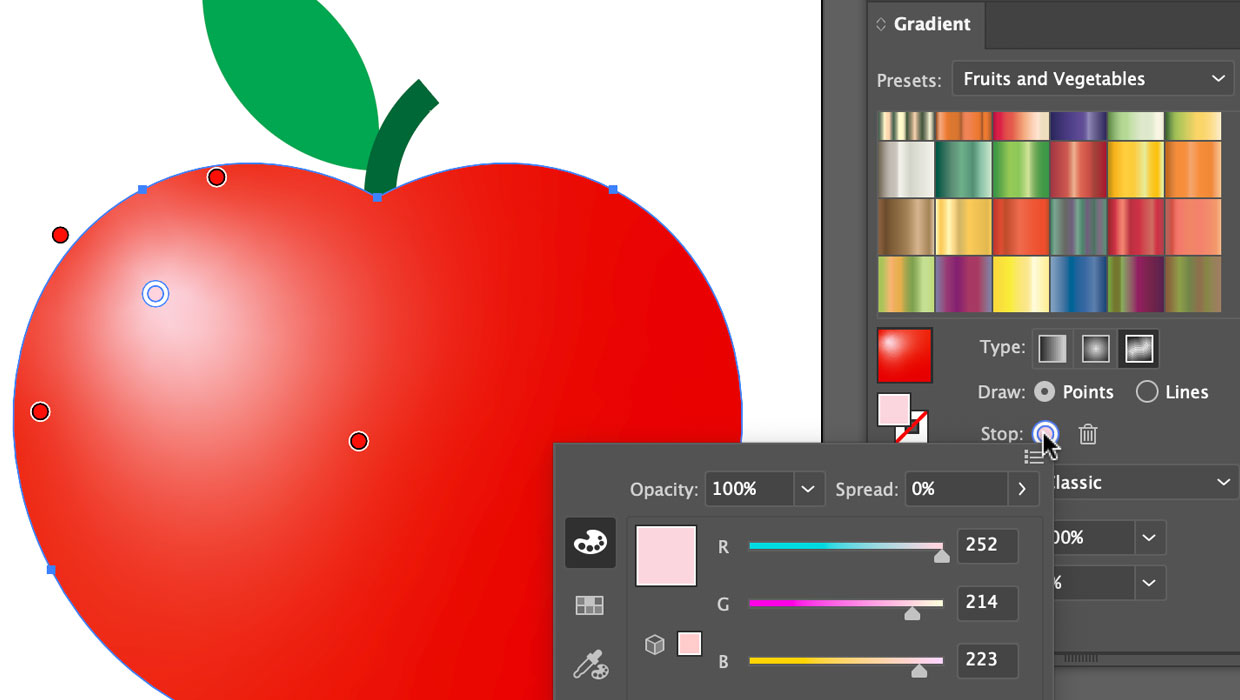
Using the Gradient Panel in Illustrator
A quick introduction to creating, modifying, and outputting gradients in Illustr...

Copy Vectors from Illustrator to InDesign (or vice versa)
Why copy-and-paste of vector outlines between Illustrator and InDesign sometimes...

Photoshop, Illustrator, and InDesign New Features Guides Updated for 2023
These free reference guides are a unique resource for understanding the evolutio...