



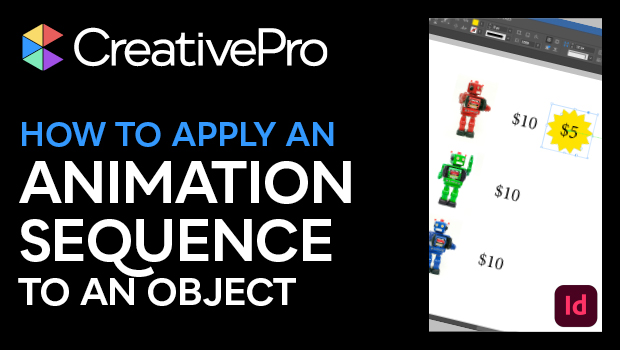
In this InDesign how-to video, Mike Rankin shows how to apply a sequence of animations to an object—something that isn’t possible without a little workaround. He shows how to group the original object with an invisible one and apply animation to the group.
Subscribe to the CreativePro YouTube channel for more helpful design tips!
This article was last modified on August 29, 2025
This article was first published on April 8, 2025
Commenting is easier and faster when you're logged in!

Recommended for you
How to Make Motion Look Realistic in Premiere
Create a convincing animation in Premiere using the Transform effect.
Animating Images with Photoshop
Bring your still photos to life with a tracking zoom effect.

Create an Animated Button Outline in PowerPoint
Create a looping rainbow animation in PowerPoint with Stephy Hogan!