



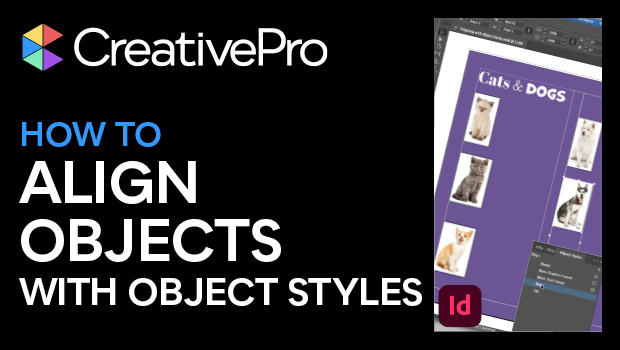
In this InDesign how-to video, Mike Rankin shows how to position objects on the page with efficiency and precision using object styles. This technique is critical for producing professional quality long documents such as catalogs and yearbooks. Lastly, he demonstrates that basing one style on another makes for quick updating of styles throughout a document.
Subscribe to the CreativePro YouTube channel for more helpful design tips!
This article was last modified on August 29, 2025
This article was first published on March 11, 2025
Commenting is easier and faster when you're logged in!

Recommended for you

InDesign Magazine Issue 126: Charts and Graphs
We’re happy to announce that InDesign Magazine Issue #126 (October 2019) is...

Script for Applying Object Styles While Placing Images in InDesign
Apply object styles as needed while placing images, with the aid of a free scrip...
Applying an Object Style when Placing an Image
This undocumented CS4 feature is so cool. You have to know about it.