



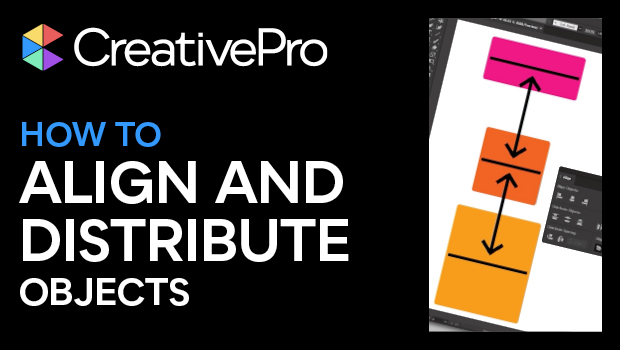
In this Illustrator how-to video, Kat Kremser demonstrates the basics of aligning and distributing objects in Illustrator. She explains the difference between alignment modes and shows how to set custom spacing between objects.
Subscribe to the CreativePro YouTube channel for more helpful design tips!
This article was last modified on August 29, 2025
This article was first published on April 22, 2025
Commenting is easier and faster when you're logged in!

Recommended for you

Using the Blend Tool in Adobe Illustrator
Illustrator provides many useful methods to create color blends including the Gr...
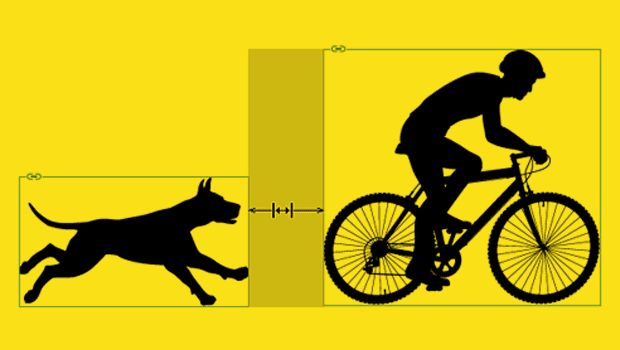
Setting Exact Space Between Objects in InDesign
Learn two methods to use when you need a precise amount of space between items i...

CreativePro Video: Using Illustrator’s Shaper Tool
In this week’s CreativePro video, Michael Ninness demonstrates the power of Illu...