



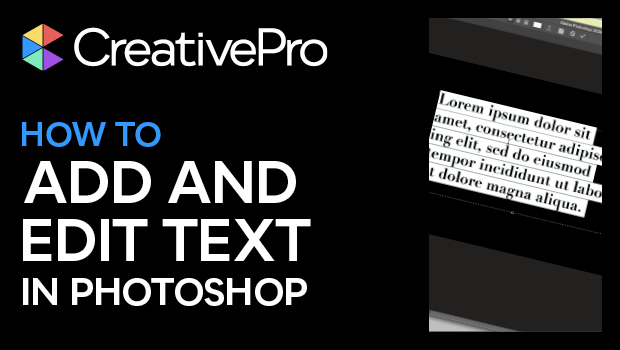
In this Photoshop how-to video, Khara Plicanic shows how to add text to your document and how to edit that text. She shows creating paragraphs of text vs. using headline—or single line—text. Khara then demos making changes to multiple layers at once and making adjustments across those layers using the Properties panel.
Subscribe to the CreativePro YouTube channel for more helpful design tips!
This article was last modified on August 29, 2025
This article was first published on March 21, 2025
Commenting is easier and faster when you're logged in!

Recommended for you

Tips for Photographing Holiday Lights
Capturing great photos of holiday lights can be a challenge, but the results can...
The Oldest Living Things in the World
What’s old? Is an iPhone 4 old? Sure, just ask any teen. How about Windows XP? T...
Work Week Projects: 5 Essential Illustrator Skills
Five quick exercises to do while you're at work to learn important skills in Ill...