




In this Photoshop how-to video, Steve Caplin demonstrates two ways to add a border to a photograph. First, he uses a stroke effect with layer styles, adjusting settings for a realistic look. Then Steve explores an alternative method using the canvas size for a quick and simple approach.
Subscribe to the CreativePro YouTube channel for more helpful design tips!
This article was last modified on August 29, 2025
This article was first published on February 28, 2025
Commenting is easier and faster when you're logged in!

Recommended for you

A Script to Display InDesign Documents at Actual Size
Script makes Actual Size on screen match actual size in the real world, even if...

Filtered File > Open Dialog Box
Here's a way to filter file types in your Open File dialog box.
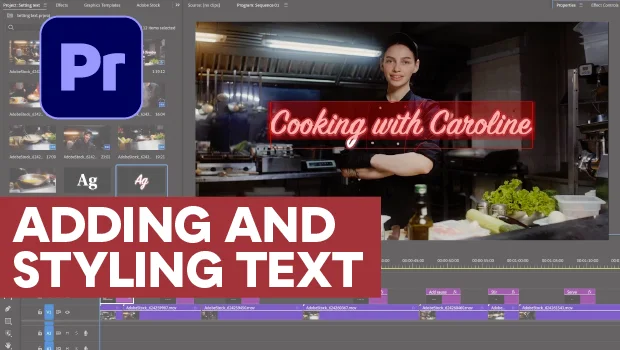
Adding and Styling Text in Premiere
Myra Ferguson covers text formatting and safe margins in Premiere.