



How do I Place thee? Let me count the ways.
I place thee from File > Place, and to the depth and breadth and height
My OS can reach, by clipboard, or by drag and drop
From Finder, Explorer, or Bridge.
I place thee in the image format of my choice,
Or of my client’s or stock photo company’s, depending.
I place thee traditionally, as TIFF and EPS.
I place thee wantonly, as JPEG and GIF and BMP.
I place thee transparently, as PSD and AI and PDF.
And when placed on the page, thou patiently endures
Application of scale and crop, shadow and feather, until
Thine opacity is slid and mode blended till the end of being.
Old griefs may annoy, but they are few and easily fixed.
I place thee with a love I seemed to lose
With the software of my childhood.
I place thee with the breath,
Smiles, tears, of all my life; and, if Adobe choose,
I shall but place thee better in the next version.
(Apologies to Elizabeth Barrett Browning)
[This introduction to the “Graphically Speaking” chapter was excerpted from our InDesign Breakthroughs book. I just came across it again and thought it would be fun to share — I sure had fun writing it!]
This article was last modified on December 18, 2021
This article was first published on August 11, 2007
Commenting is easier and faster when you're logged in!

Recommended for you
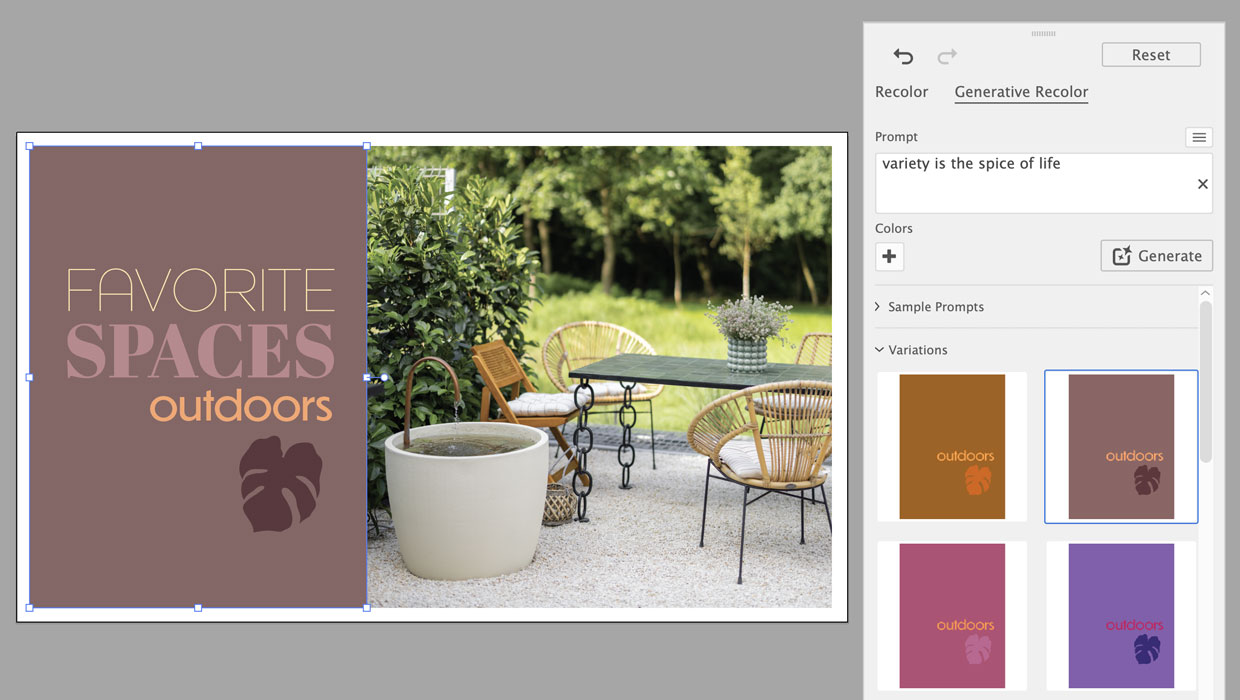
Using Generative Recolor in Illustrator
Refresh your color workflow by pairing a time-honored technique with the latest...

The Case of the Missing Placeholder Text Contest Answer and Winner
Solve this InDesign mystery for a chance at winning a great prize.

Merging Paragraphs with Find/Change
Ginny wrote: I’ve imported 40 pages of directory listings each with a hard...