



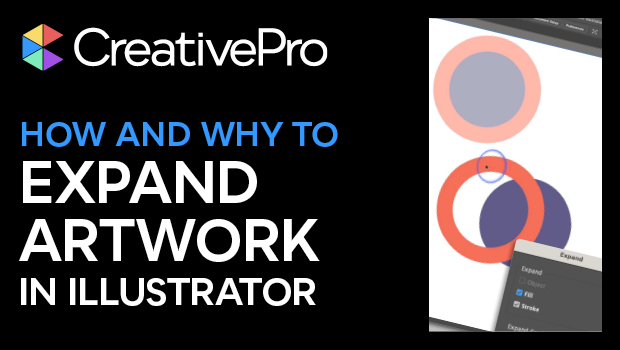
In this Illustrator how-to video, Khara Plicanic demonstrates how to expand vector artwork into editable closed path shapes. She explains that sometimes you have the choice to expand the artwork or the appearance—such as effects, stroke styles, etc.—applied to the shapes. Khara then shows how to view the underlying shapes in preview mode to see actual makeup of the artwork.
Subscribe to the CreativePro YouTube channel for more helpful design tips!
This article was last modified on August 29, 2025
This article was first published on June 20, 2024
Commenting is easier and faster when you're logged in!

Recommended for you
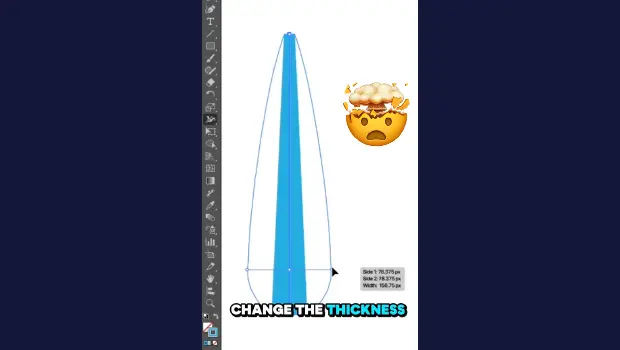
Create Variable-Width Strokes in Illustrator
Create a flowing, multi-thickness stroke in Illustrator with the Width tool!

Interview with Monika Gause, Print Designer and Illustrator Expert
Q&A with Monika Gause, who is presenting at the 2026 Design + AI Summit for Crea...

CreativePro Week 2026 Preview: 5 Pixel-Perfect Photoshop and Illustrator Sessions
Our Editor in Chief lists his must-see Photoshop and Illustrator sessions at Cre...