



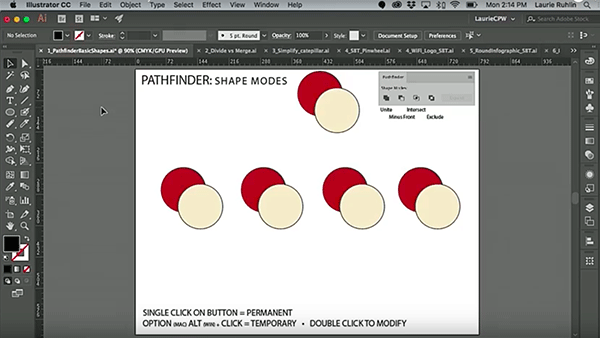
In this week’s CreativePro video, Laurie Ruhlin takes the mystery out of Illustrator’s Pathfinder panel. She demonstrates how each of the options will affect selected objects and shows how to keep those affected objects live and editable! Taken from Laurie’s session at CreativePro Week 2018 in New Orleans.
New videos every Tuesday on our CreativePro YouTube channel. Be sure to subscribe so you don’t miss any!
This article was last modified on October 30, 2018
This article was first published on October 30, 2018
Commenting is easier and faster when you're logged in!

Recommended for you

Interview with Monika Gause, Print Designer and Illustrator Expert
Q&A with Monika Gause, who is presenting at the 2026 Design + AI Summit for Crea...
CreativePro Week 2026 Preview: 5 Indispensable InDesign Sessions
Five sessions InDesign users can't afford to miss
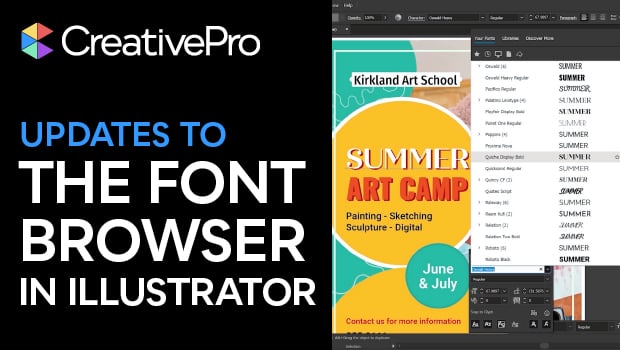
New Font Browser Features in Illustrator
Explore the new features added to the Font Browser in Illustrator 2026.