



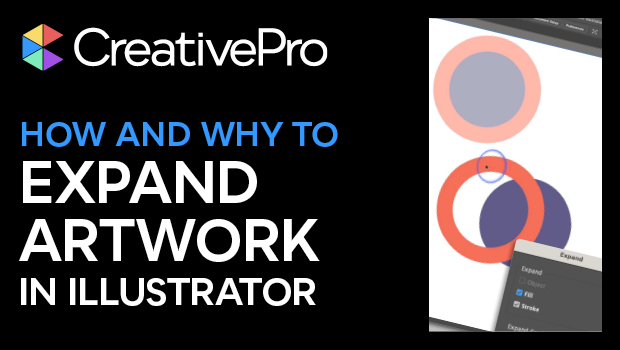
In this Illustrator how-to video, Khara Plicanic demonstrates how to expand vector artwork into editable closed path shapes. She explains that sometimes you have the choice to expand the artwork or the appearance—such as effects, stroke styles, etc.—applied to the shapes. Khara then shows how to view the underlying shapes in preview mode to see actual makeup of the artwork.
Subscribe to the CreativePro YouTube channel for more helpful design tips!
This article was last modified on August 29, 2025
This article was first published on June 20, 2024
Commenting is easier and faster when you're logged in!

Recommended for you

The Digital Art Studio: 5 Favorite Illustrator CC Features
If you’ve ever experienced a power outage, you’ve also likely found yourself ref...
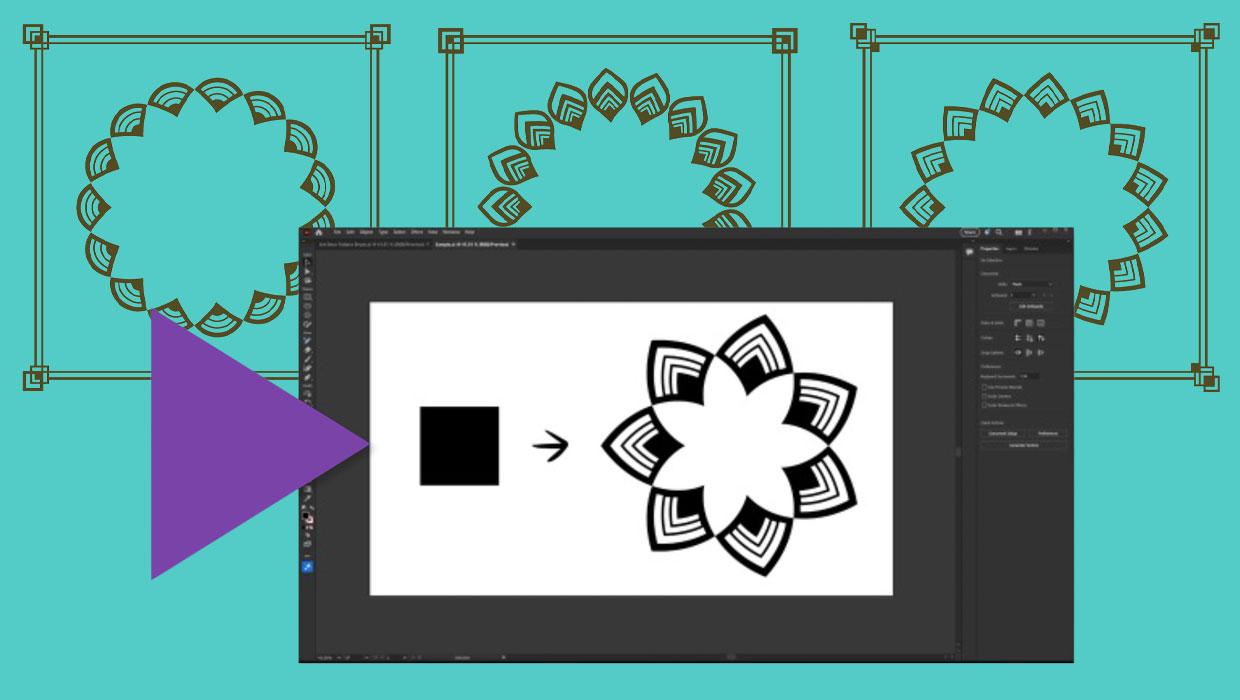
Members-Only Video: Creating Artwork with Pattern Brushes in Illustrator
Learn how to build custom pattern brushes in Illustrator so you can apply comple...

20 Great Uses for the Alt/Option Key in Illustrator
Use these shortcuts to make things go faster and easier in Adobe Illustrator.