



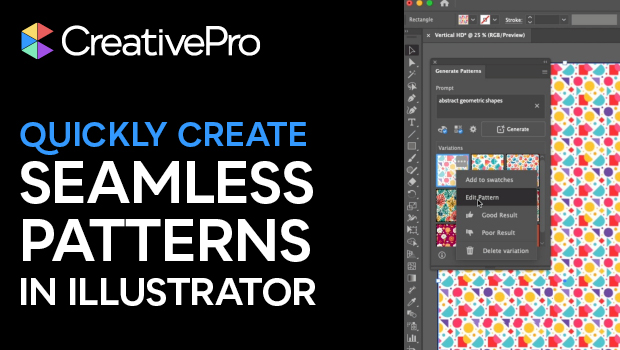
In this short Illustrator video, Khara Plicanic shows how to create a seamless pattern using built-in AI. She then makes edits to the vector shapes themselves.
Subscribe to the CreativePro YouTube channel for more helpful design tips!
This article was last modified on October 3, 2025
This article was first published on September 17, 2025
Commenting is easier and faster when you're logged in!

Recommended for you
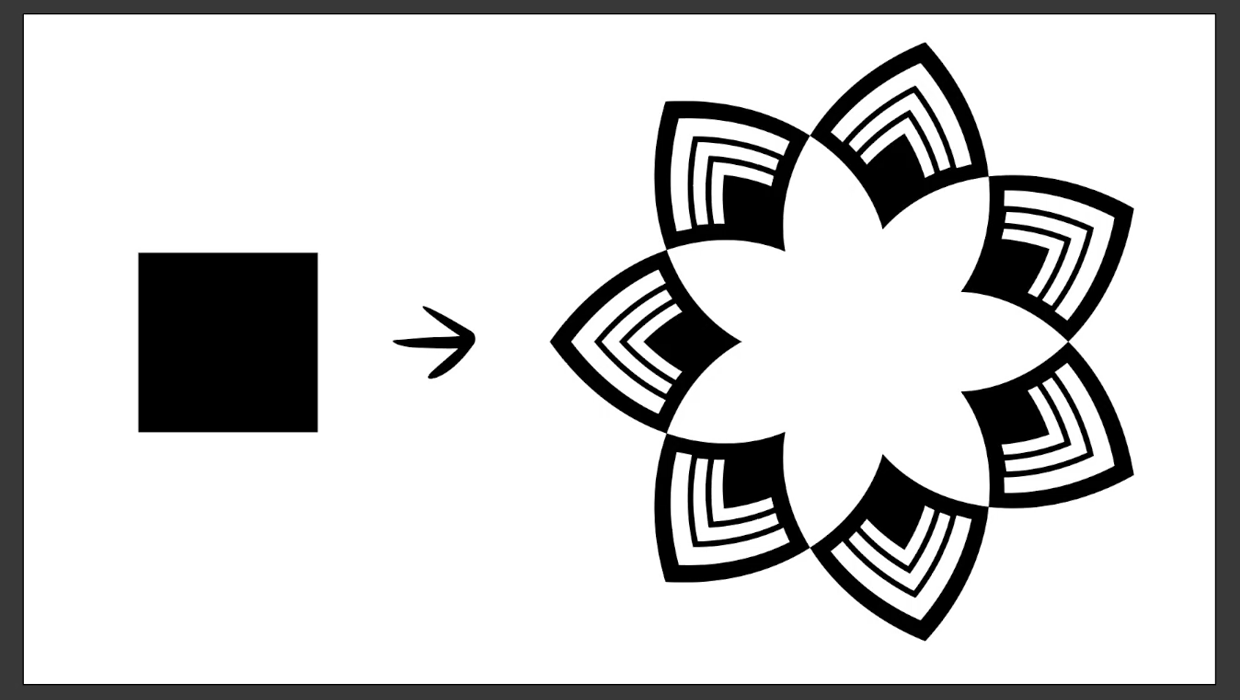
Create a Reusable Art Deco Pattern Brush in Adobe Illustrator
One of Illustrator’s greatest strengths is the ability to easily make reusable d...
The Secrets to Smoother Paths in Illustrator
Don’t let poorly placed points ruin your designs.

What’s New in Illustrator: The July 2022 Release (Version 26.4)
Numbered and Bulleted Lists, a History panel, and new 3D features have been adde...