




When I think of InDesign tables, I think of one InDesign expert more than any other: Diane Burns. So it’s totally fitting (and totally awesome) that Diane has brand new lynda.com course called InDesign Tables in Depth. The course contains almost 50 videos, covering every aspect you’d need to understand to become a total Jedi Master of InDesign tables.
One of the freely available videos shows a cool trick using anchored objects to create interesting effects where row and column strokes meet. In the video, Diane shows how to anchor these objects in tables so they always sit at the correct location even when you edit the table content. And as an added bonus, she shows a simple (it’s true, I swear) GREP technique for placing all the anchored objects at once. Check it out!
Using Anchored Shapes to Change Cell Corners
There’s also a free video on what to do when you really need to make one column stand out from the rest.
Highlighting a Column
For lynda.com members, if you are currently signed in to your account, you can also check out these other videos on special table effects:
Creating Infographics With Tables
Setting Up Standalone Columns
Not a lynda.com member?
Get 10 days of free unlimited access to lynda.com.
This article was last modified on March 5, 2025
This article was first published on August 28, 2015
Commenting is easier and faster when you're logged in!

Recommended for you

Resizing InDesign Layouts with AI
Most designers don’t create a single deliverable anymore. They create campaigns....

Filtered File > Open Dialog Box
Here's a way to filter file types in your Open File dialog box.
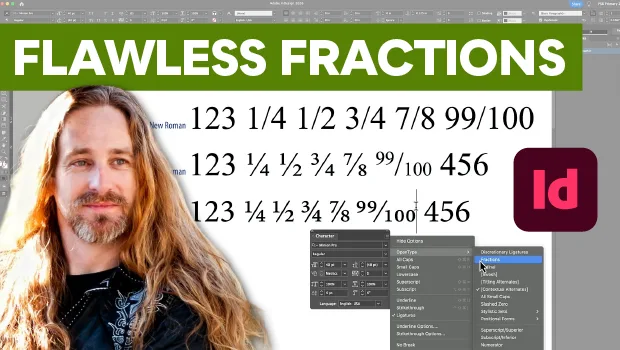
Create Flawless Fractions with OpenType
Choose your font carefully if you need flawless fractions!