




I think we can all agree that baseline grids are an essential tool for creating high quality long documents, right? So why are InDesign’s default settings for baseline grids so…weird? The grid lines start where you don’t need them, they’re hard to distinguish from frame edges and selected ruler guides, and they’re visible at a magnification where you’d probably never use them.
Fortunately the latest free video in the InDesignSecrets series at lynda.com has all the info you need to fix these faulty defaults.

In the video, Anne-Marie Concepción shows three key settings you must change to really get the most out of your baseline grids so they’re less distracting, and only visible where (and when) it makes sense.
This article was last modified on March 5, 2025
This article was first published on July 17, 2015
Commenting is easier and faster when you're logged in!

Recommended for you
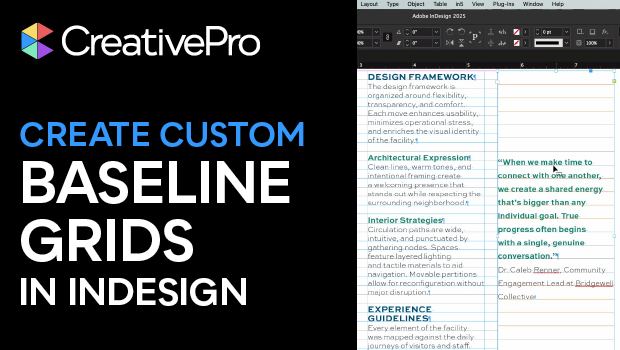
How to Create Custom Baseline Grids in InDesign
Julie Shaffer creates custom baseline grids for each text frame in her document.
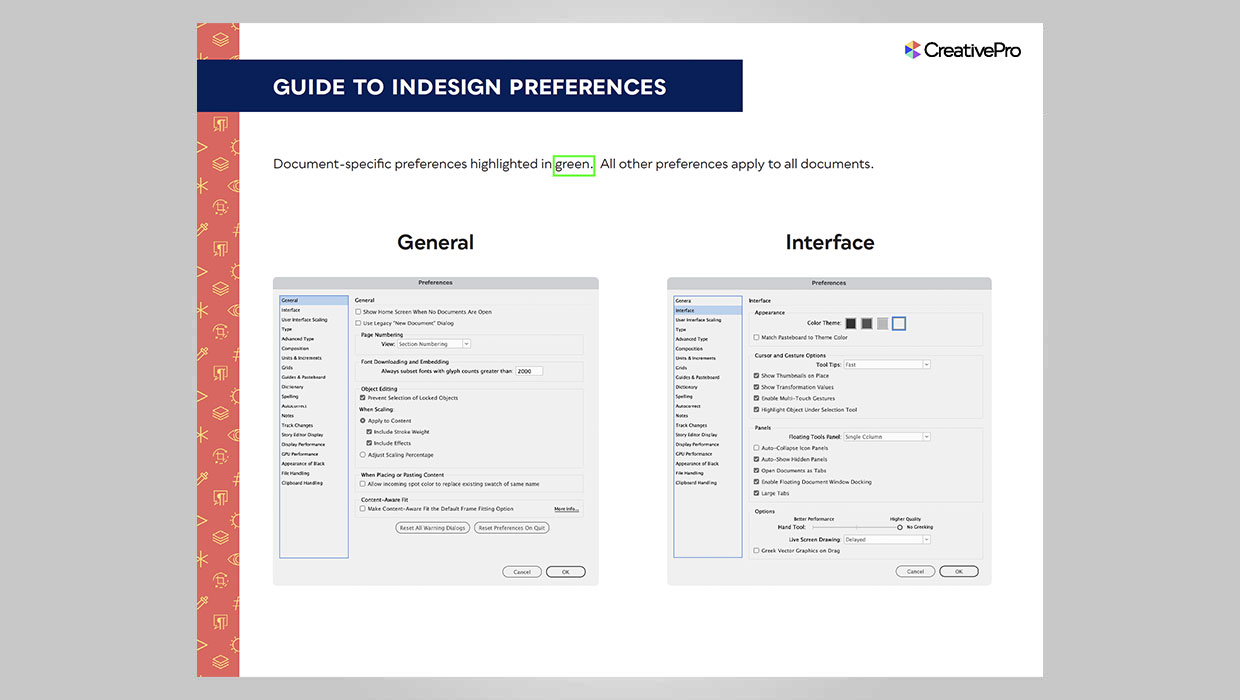
InDesign Downloadable: Preferences Guide
A guide to which preferences are global and which are document specific in InDes...

How to Enable Photoshop’s Quiet Mode to Stop “Helpful” Pop-Ups
Turn on Quiet Mode in Photoshop for a more peaceful workflow.