



Return to page 1 of this article.
Photoshop Actions
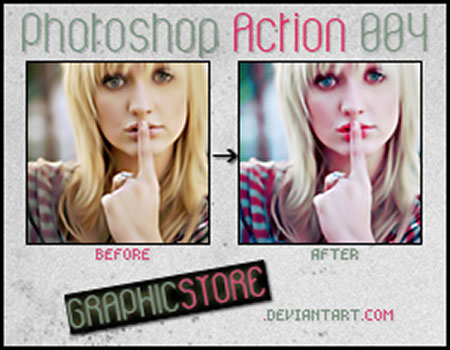
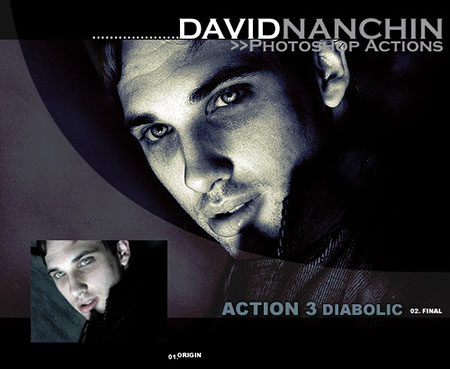
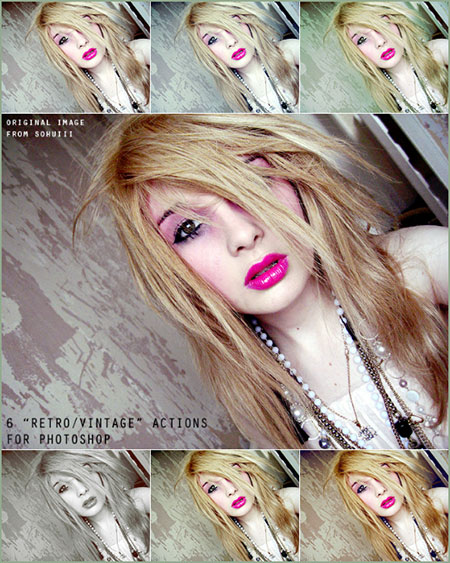
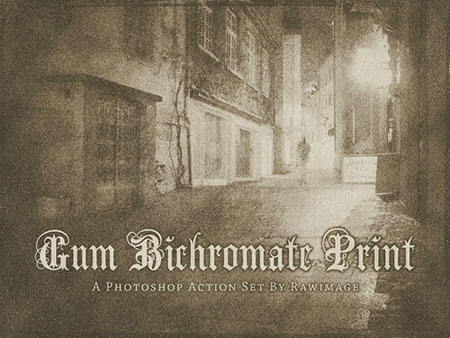
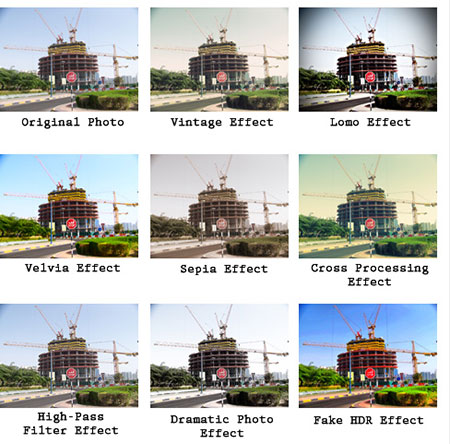
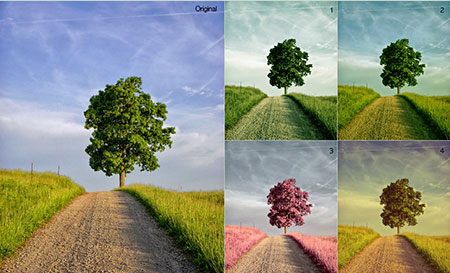
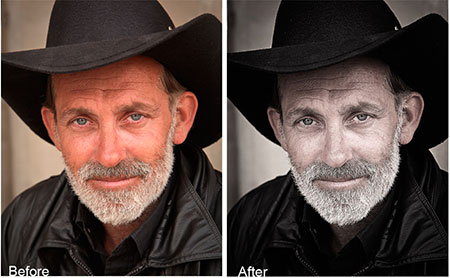
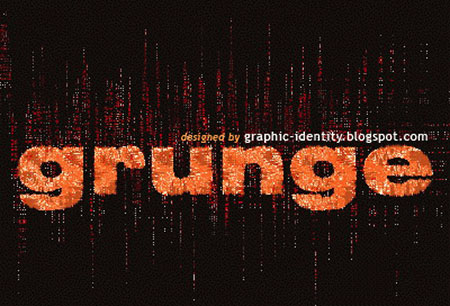
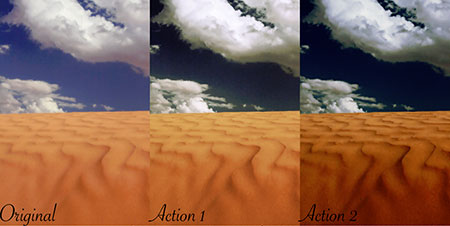
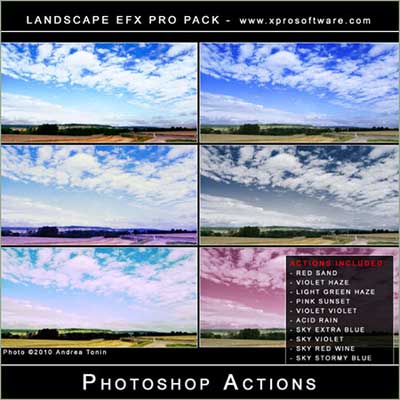
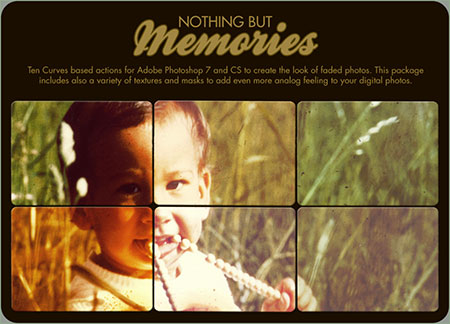
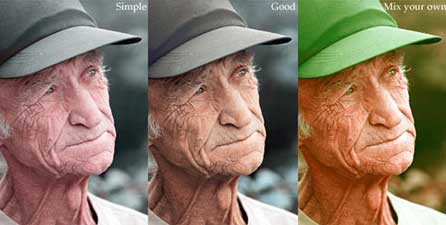
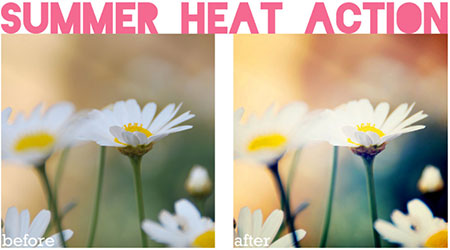
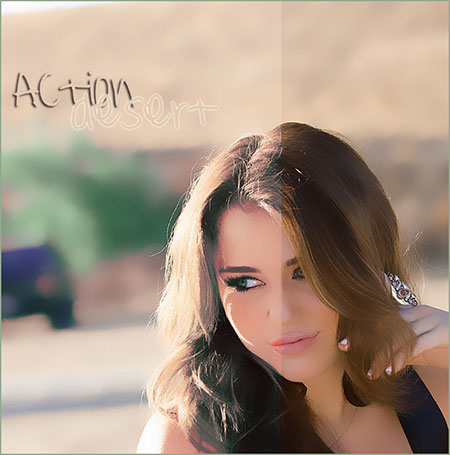
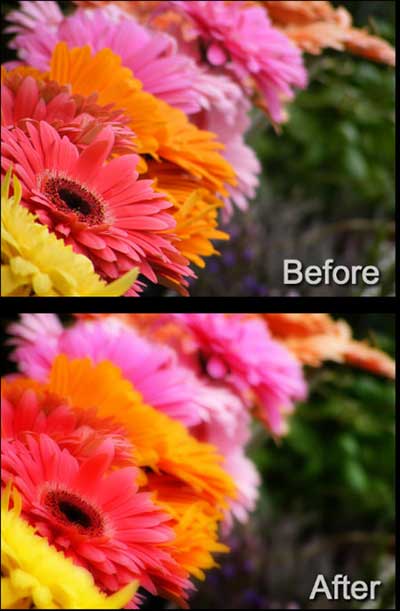
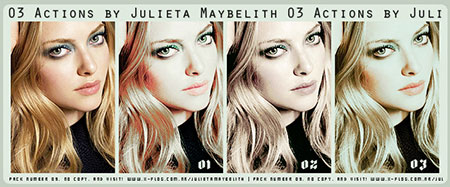
With the legendary brightness and daytime warmth in the Mojave, Sonoran, Great Basin, and Red deserts, warm lighting, high dynamic range, and potential overexposure characterize outdoor photography in the Southwest. The following actions help you replicate those characteristics no matter where you shoot the photo. Add even more authenticity to your photos and designs with scratchy and cracked actions–perhaps the result of abrasive sands hurled by the desert winds.












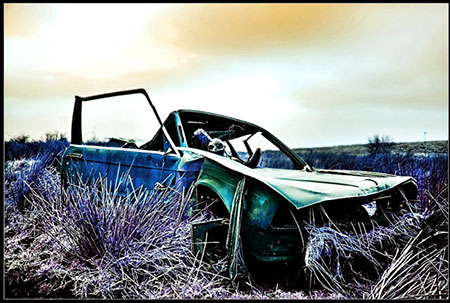

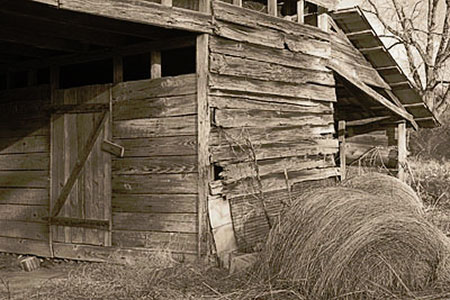
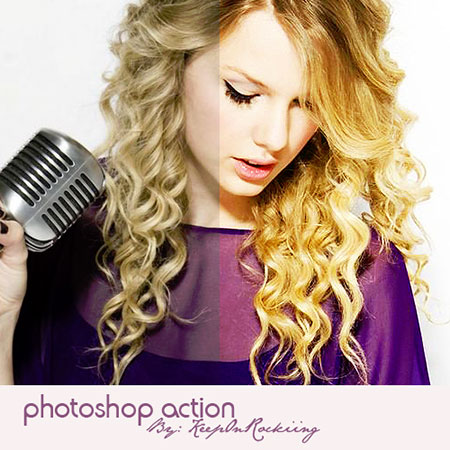
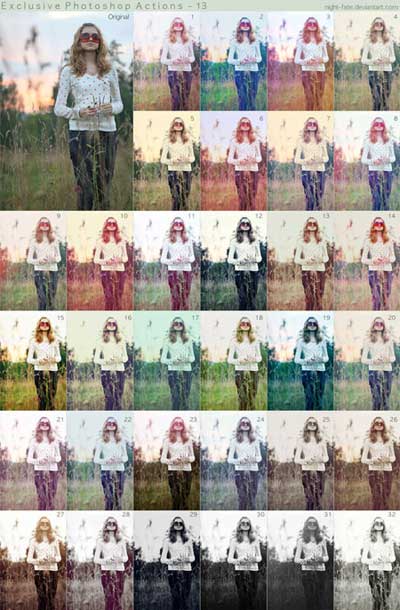









Photoshop Brushes
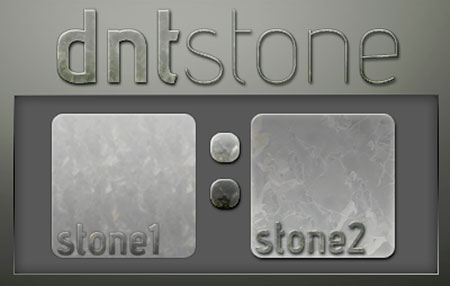
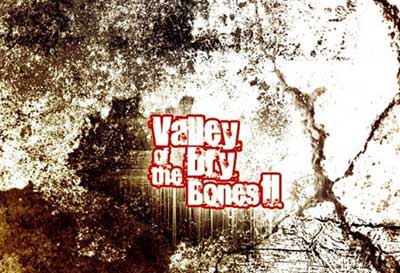
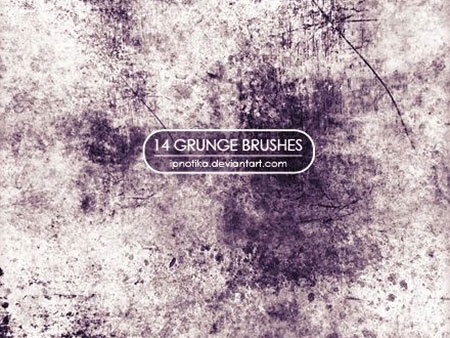
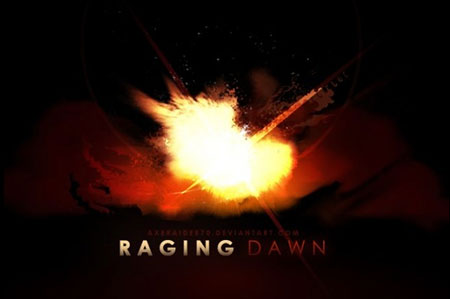
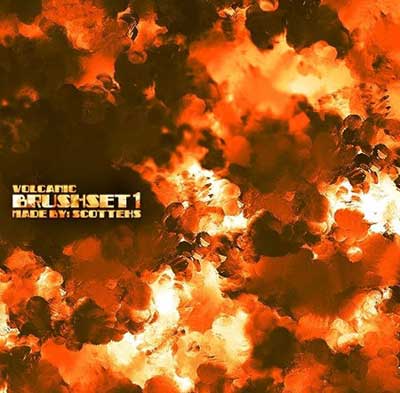
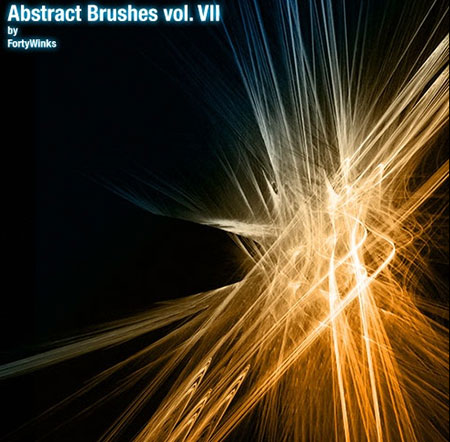
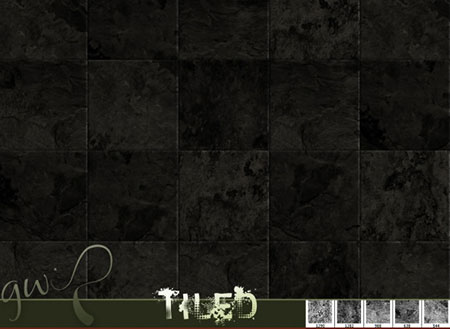
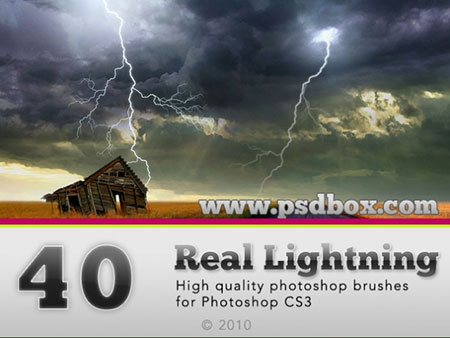
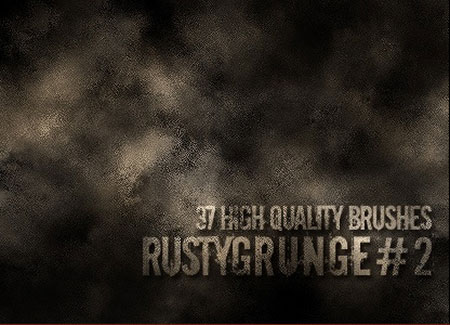
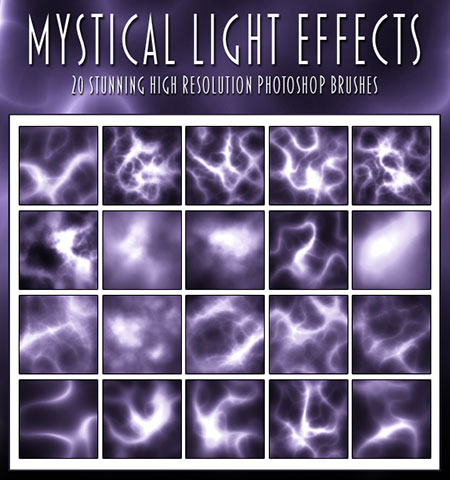
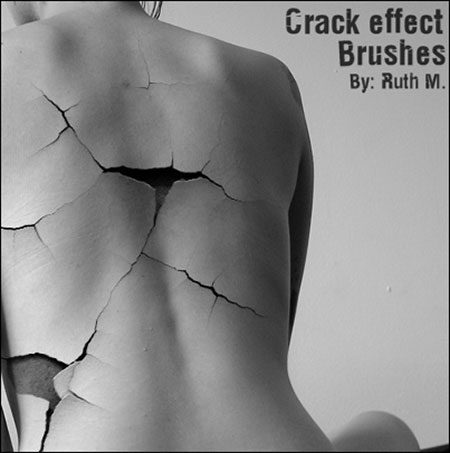
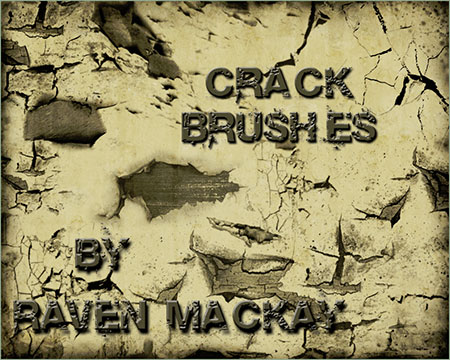
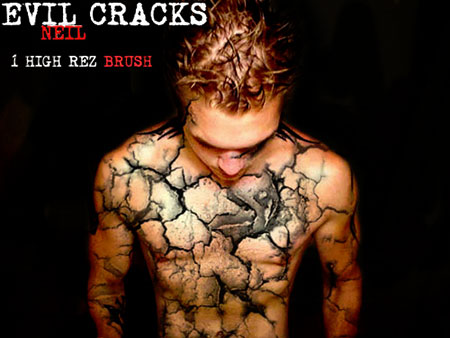
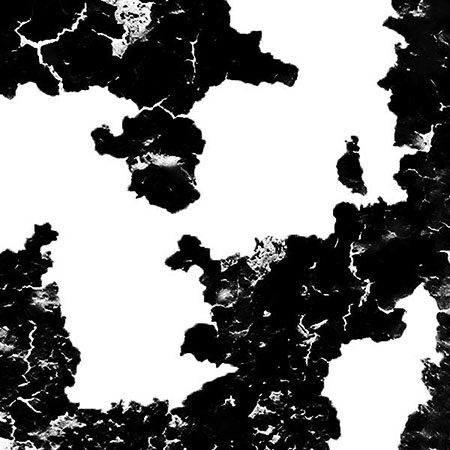
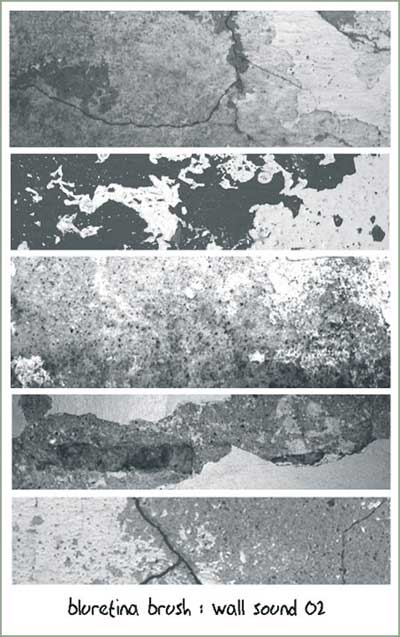
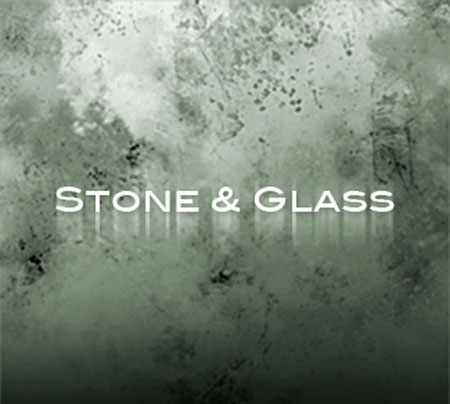
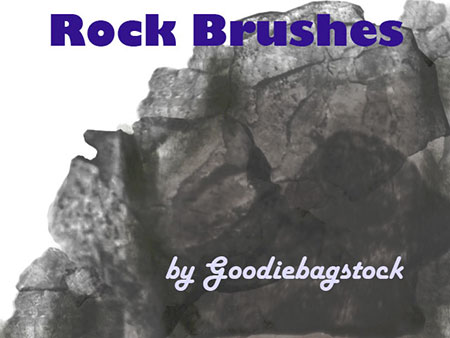
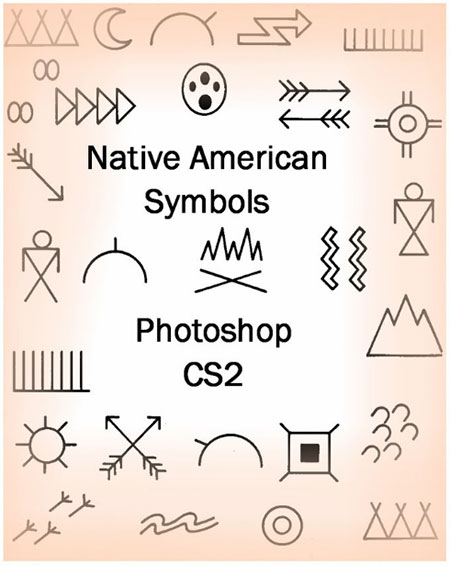
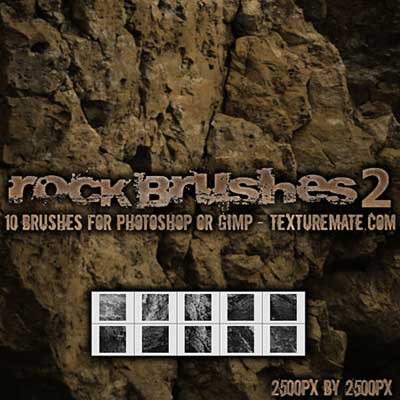
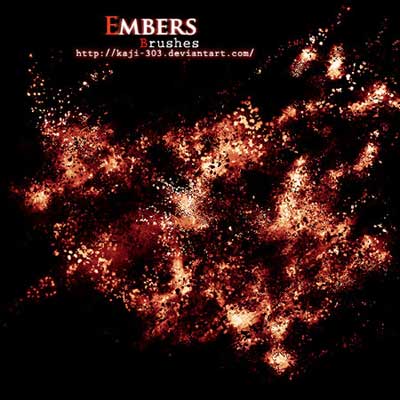
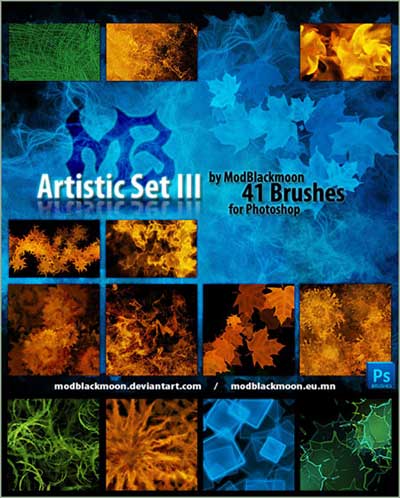
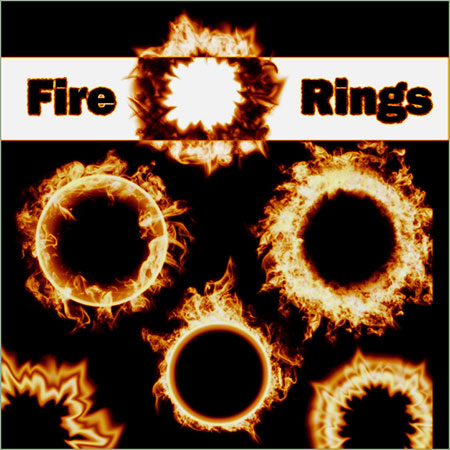
Hot and arid, sandy and rocky, the American Southwest evokes images of dusty cowboys, wide-open desert plains, cacti, and rough-hewn minerals in every form and fashion. Due to the high temperatures and lack of humidity, the area is equated with the element fire as much as its terrains are associated with the element Earth. Use the following brushes to evoke dirt, sand, stone, flames, sunbursts, and water-starved riverbeds.



























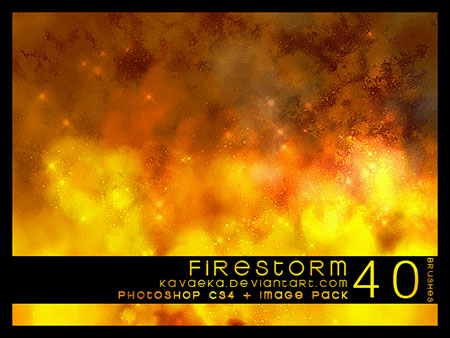
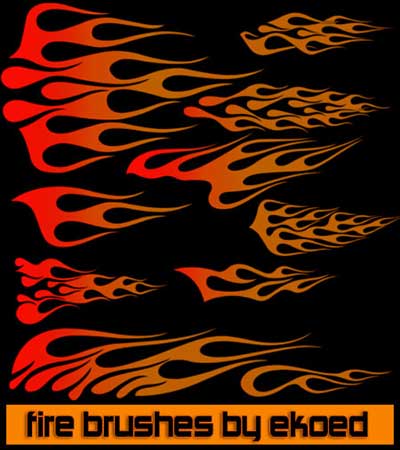


What can I find free for you? Want more free fonts? More Photoshop brushes? How about more online applications that do this or that for free? Tell me in the comments what you’d like to see in future installments of Free for All, and I’ll do my best bloodhound impression to track it down for you.
Please note: Free for All will often link to resources hosted on external Web sites outside of the control of CreativePro.com. At any time those Web sites may close down, change their site or permalink structures, remove content, or take other actions that may render one or more of the above links invalid. As such neither Pariah S. Burke nor CreativePro.com can guarantee the availability of the third-party resources linked to in Free for All.
This article was last modified on August 2, 2021
This article was first published on June 22, 2011
Commenting is easier and faster when you're logged in!

Recommended for you
Creating a Panorama: Photoshop, Camera Raw, or Lightroom?
When a scene is wider than your widest lens, merging images into a panorama is a...
How to Make Anyone into a Clown in Photoshop
If your boss has ever accused you of clowning around in Photoshop instead of doi...

Design How-To: Using Ghosted Backgrounds
A beautiful technique that's unusually easy to design: ghost and repeat a foregr...