




In this Design + AI Summit sneak peek, Lisa Carney dives into Photoshop’s Neural Filters and checks out the new Depth Blur option. This filter allows you to manipulate an image’s depth of field by pulling the subject into focus while blurring the foreground and background. She then shows how you can output the depth map that’s created as a channel, which can be used to further adjust the image.
This sneak peek video is a preview of our upcoming Design + AI Summit happening online December 7–8, 2023. See the agenda and register now!
Subscribe to the CreativePro YouTube channel for more helpful design tips!
This article was last modified on August 29, 2025
This article was first published on November 9, 2023
Commenting is easier and faster when you're logged in!

Recommended for you

Nano Banana and Flux Kontext Pro: Using Third-Party AI Models in Photoshop
Partner models add powerful new options for Generative AI in Photoshop
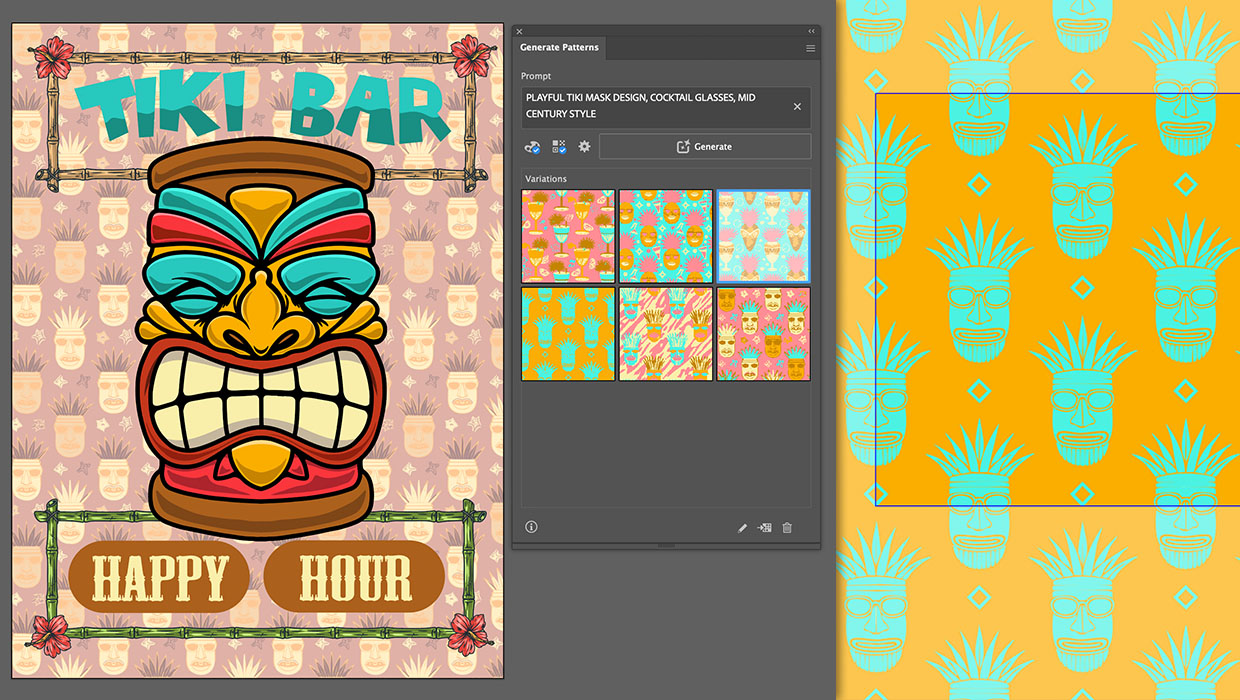
Generating Vector Patterns in Illustrator
Making patterns from prompts opens up a whole new world of creative possibilitie...

Interview with Monika Gause, Print Designer and Illustrator Expert
Q&A with Monika Gause, who is presenting at the 2026 Design + AI Summit for Crea...