



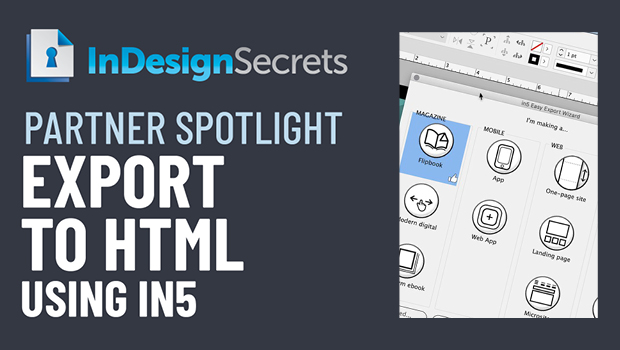
In this CreativePro partner video, Erica Gamet takes a look at in5 from Ajar Productions. This InDesign add-on makes it easy to export a file with interactive elements to HTML to be viewed in a browser—either locally or online —without any coding.
Check out new tutorials every other Tuesday on our InDesign Secrets YouTube channel, then join the discussion on our Facebook group!
This article was last modified on July 29, 2022
This article was first published on October 10, 2021
Commenting is easier and faster when you're logged in!

Recommended for you

InDesign Basics: Your First Animation
Back in InDesign CS5, Adobe added a very cool Animation panel to InDesign that a...

CreativePro Week Conference Speaker Spotlight: Laura Brady, Ebook Converter Extraordinaire
Fun facts about some of our favorite people, the speakers at our upcoming PePcon...

Create Flashing Holiday Lights in InDesign
Learn how to make lights flash on and off, with the help of a transparency effec...