




When you search for stock photos, you probably end up with a pile of possibilities from several agencies. If clients have to approve the purchase, you show them comps. Based on their feedback, you may take the search in another direction. By the time the photo choice is final, it’s easy to forget the source of the original.
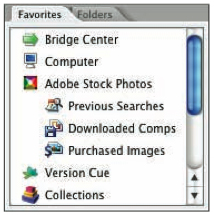
Adobe Stock Photos, a service new to Creative Suite 2, aims to prevent this problem and others. (However, many smaller agencies aren’t available through the service, and all the photos are royalty-free. Try Creativepro.com’s Stock Photography Search for a wider selection, including rights-protected photos.)
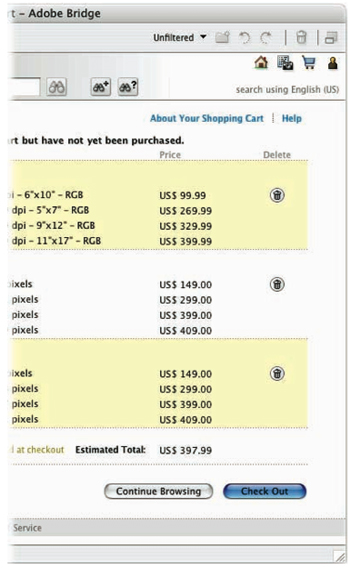
This article walks you through the process of downloading comps, editing them in Photoshop; placing them in Illustrator, InDesign, or GoLive; and buying the high-res version.
We’ve posted this excerpt as a PDF file. To open the PDF file in your Web browser, click “Stock Workflow.” You can also download the PDF to your machine for later viewing.
To open the PDF, you’ll need a full version of Adobe Acrobat (5 or higher) or the Adobe Reader, which you can download here:
 .
.
To learn how to configure your browser for viewing PDF files, see the Adobe Reader tech support page.
This article was last modified on January 3, 2023
This article was first published on June 3, 2005
Commenting is easier and faster when you're logged in!

Recommended for you

How to Make a Manga Character in Photoshop
The recent film Alita: Battle Angel stars Rosa Salazar as a cyborg, a human brai...

How To Create Sharp Digital Type Images
Images that contain type make frequent appearances on websites and blogs, ebooks...
Using InDesign, Illustrator, and Photoshop Together: Moving Vectors
Vectors (aka paths) are very powerful items. Unlike pixel art that can look lous...