




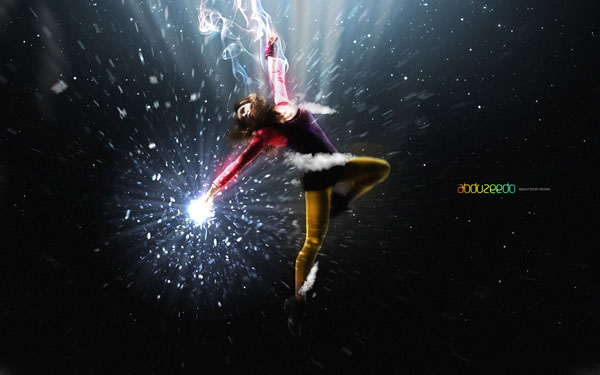
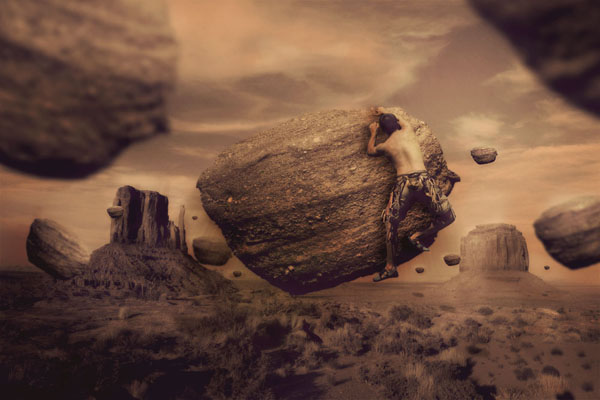
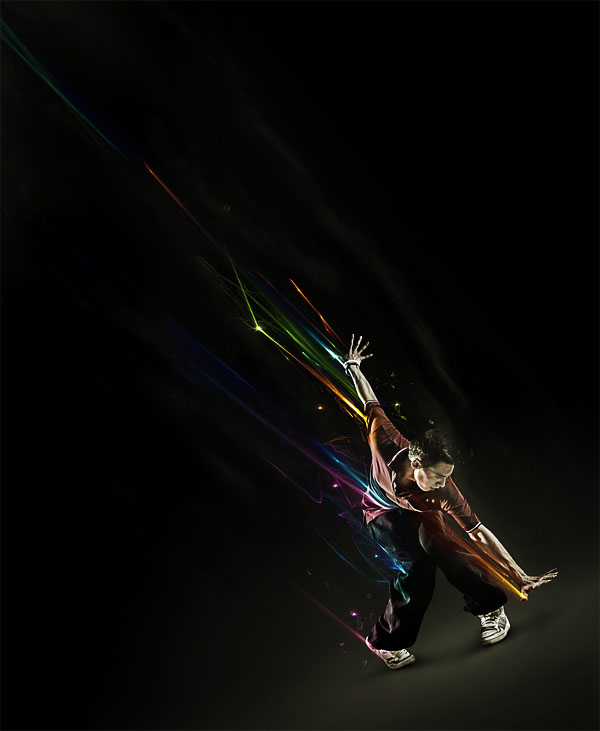
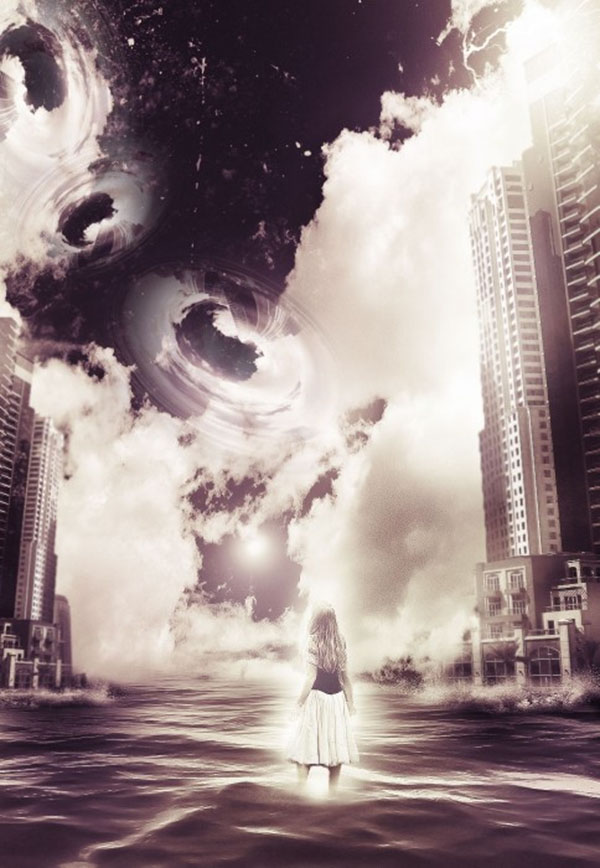
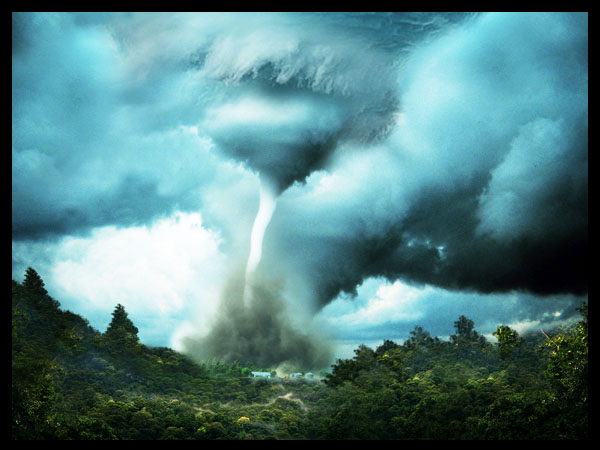
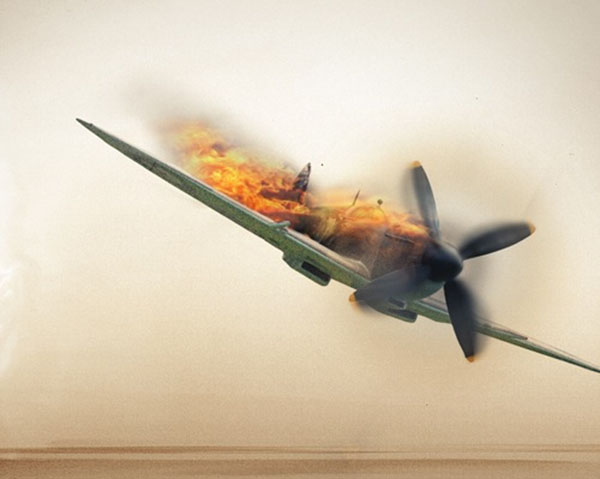
Elemental Photo Manipulations, Part 3: Air “Elemental Photo Manipulations” is a four-part series highlighting tutorials and inspirational amazing artwork combining photography with Photoshop in surreal, mind-bending, and sometimes startling ways. This is the third installment in the series, an all-tutorial installment in which you’ll defy the laws of physics by bending and twisting air, smoke, light, and even gravity itself. Pariah S. Burke “Elemental Photo Manipulations” is a four-part series highlighting tutorials and inspirational amazing artwork combining photography with Photoshop in surreal, mind-bending, and sometimes startling ways. This is the third installment in the series, an all-tutorial installment in which you’ll defy the laws of physics by bending, twisting, and molesting air, smoke, light, and even gravity itself.
Don’t miss “Part 1: Fire” and “Part 2: Earth;” then and return to CreativePro.com in two weeks for the final and most exciting installment of my “Elemental Photo Manipulations” series, “Part: 4: Water.” Click each image to learn how to create it. 









This article was last modified on December 13, 2022
This article was first published on October 14, 2013
Commenting is easier and faster when you're logged in!

Recommended for you
How to Turn a Photo into Graffiti in Photoshop
Create a spray-painted masterpiece in Photoshop with Steve Caplin.

How to Adjust Colors in Photoshop Using Hue and Saturation
Learn how to manipulate an image’s colors using Photoshop’s Hue and Saturation s...

Using Photoshop’s Generative Fill to Remove Objects
Learn how to simply remove items from an image in Photoshop, without extra conte...