



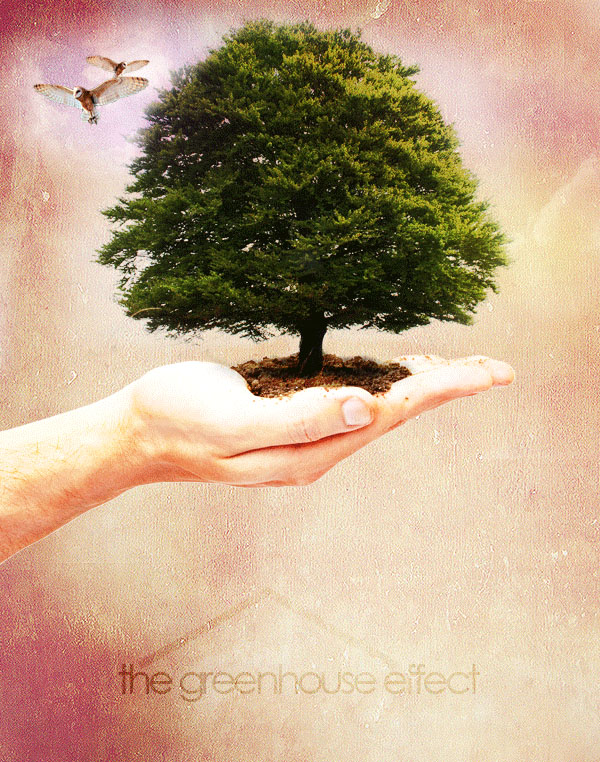
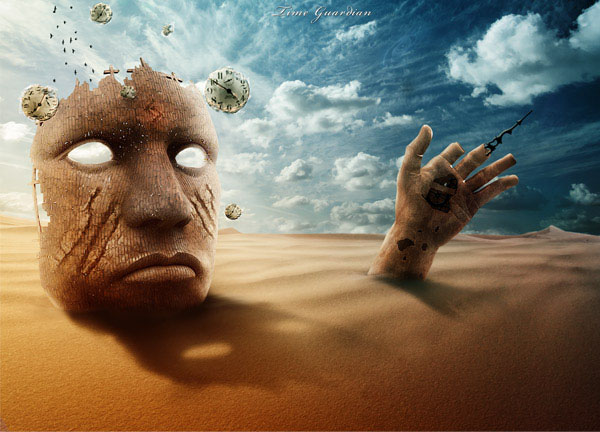
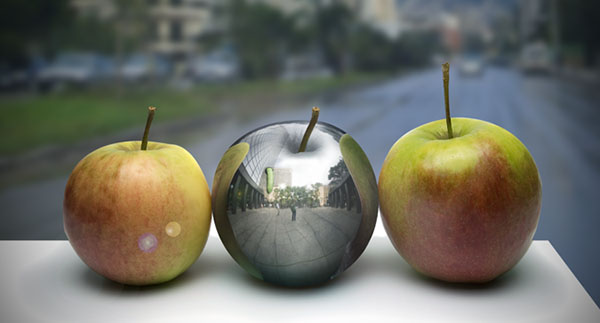
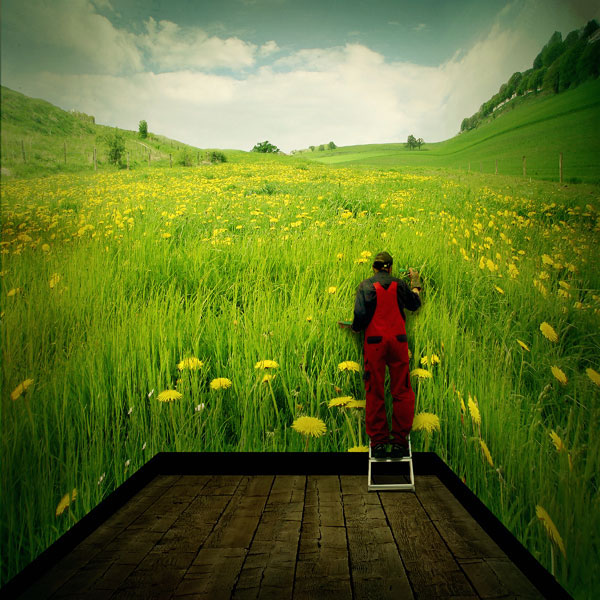
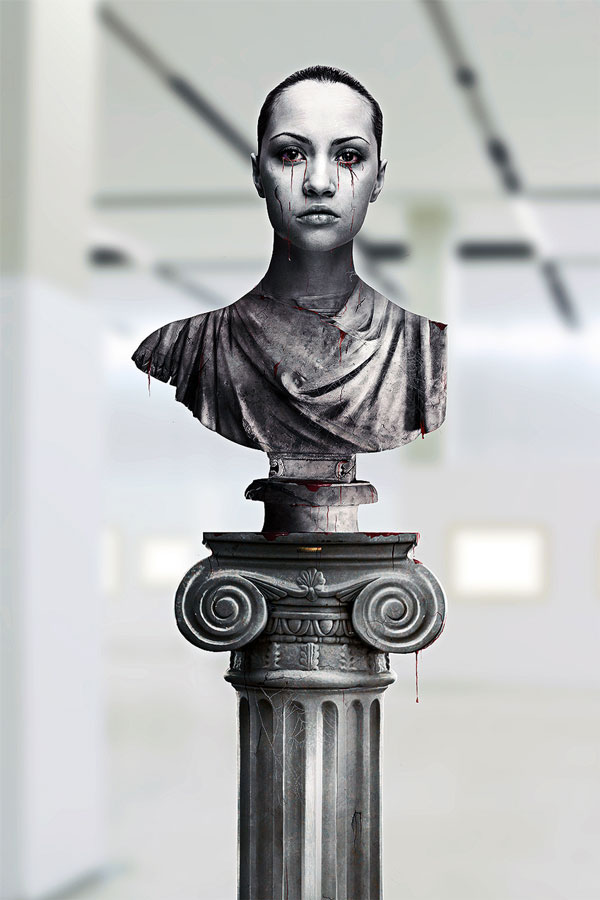
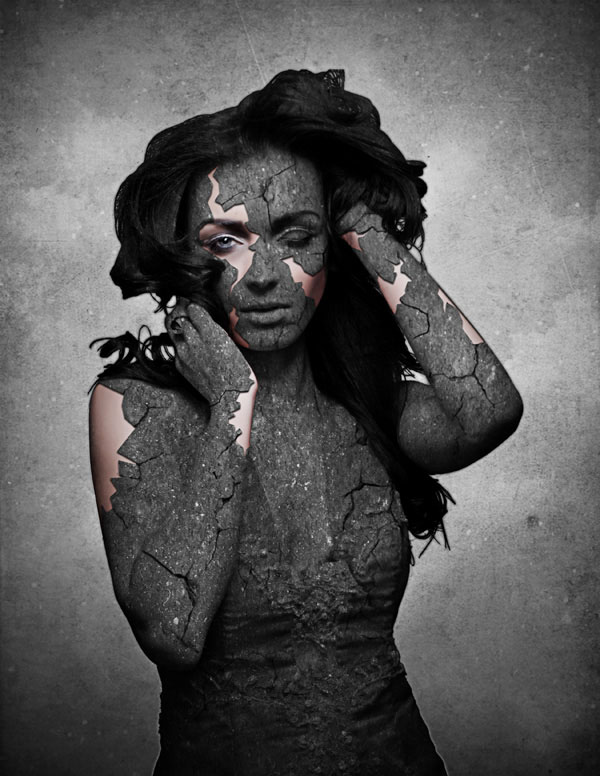
“Elemental Photo Manipulations” is a four-part series highlighting tutorials and inspirational amazing artwork combining photography with Photoshop in surreal, mind-bending, and sometimes startling ways. In this second installment in the series marvel at the way artists have bent the very Earth—dirt, stone, metal, and even the flora—to their whims. Don’t miss “Part 1: Fire,” and return to CreativePro.com every two weeks for “Air & Light” and “Water.”
Tutorials
Click each image to learn how to create it.








This article was last modified on December 13, 2022
This article was first published on September 30, 2013
Commenting is easier and faster when you're logged in!

Recommended for you

Color Management is Not Color Correction
In the webinar I presented to the Graphic Artists Guild titled Color Manage...

Removing Hair in Photoshop
A few years ago I was asked by a British newspaper if I could take a dozen celeb...

Celebrating a Decade of Camera Raw
It’s time to dig in the fridge for a slice of leftover cake and wish a happy bel...