




Excerpted from “Take Control of Getting Started with Dreamweaver” published by TidBITS Electronic Publishing
It’s not hard to jump into Dreamweaver and create a page with a few key Web objects — text, graphics, and links. But your text and layout will use the bland, boring defaults. You have to give the page style, literally, with Cascading Style Sheets.
This article uses clear, easy-to-understand concepts to explain why, when, and how to use styles in your Web sites. If you like what you see, you can buy the entire 88-page ebook for $10.
We’ve posted this excerpt as a PDF file. To open the PDF file in your Web browser, click “Dreamweaver Styles.” You can also download the PDF to your machine for later viewing.
To open the PDF, you’ll need a full version of Adobe Acrobat (6 or higher) or the Adobe Reader, which you can download here:
 .
.
To learn how to configure your browser for viewing PDF files, see the Adobe Reader tech support page.
Excerpted from “Take Control of Getting Started with Dreamweaver” by Arnie Keller. Copyright © 2006 Arnie Keller. Used with permission of TidBITS Electronic Publishing.
This article was last modified on January 8, 2023
This article was first published on October 13, 2006
Commenting is easier and faster when you're logged in!

Recommended for you
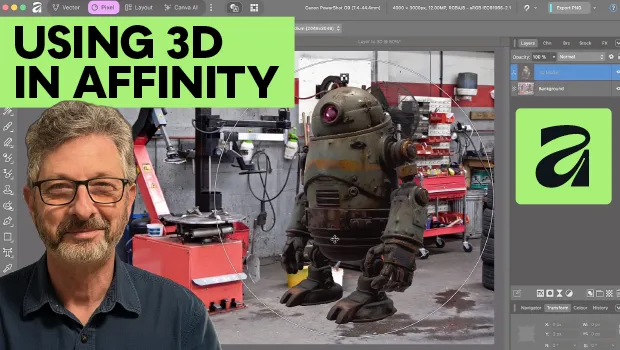
Using 3D in Affinity
Create rotatable 3D objects using Affinity and Canva AI with Steve Caplin.

Quick Wins: Adjusting Color in Photoshop
Use these five resources to get better at adjusting color in Photoshop
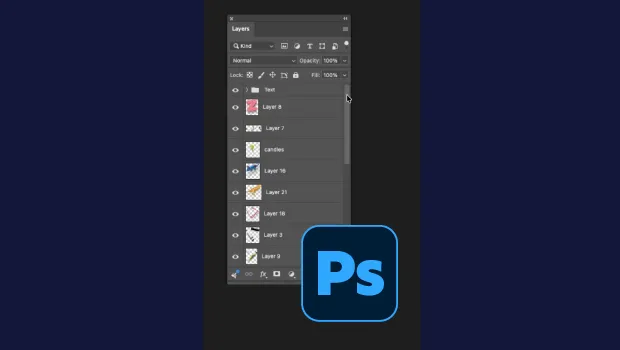
Smarter Thumbnails in Photoshop
Make Photoshop layer thumbnails clearer with one quick setting change.