




In this week’s CreativePro video, Mike Rankin demos how to adjust type with Illustrator’s Touch Type tool. He shows how easy it is to rotate, scale, and move individual characters—all while keeping the text live and editable!
New videos every Tuesday on our CreativePro YouTube channel. Be sure to subscribe so you don’t miss any!
This article was last modified on August 29, 2025
This article was first published on May 7, 2019
Commenting is easier and faster when you're logged in!

Recommended for you

Interview with Ari Weinstein, Illustrator and Branding Expert
Q&A with illustrator, author, and branding expert Ari Weinstein

Using Illustrator’s Paintbrush Tool
Go beyond simple paths and transform your artwork with this powerful tool
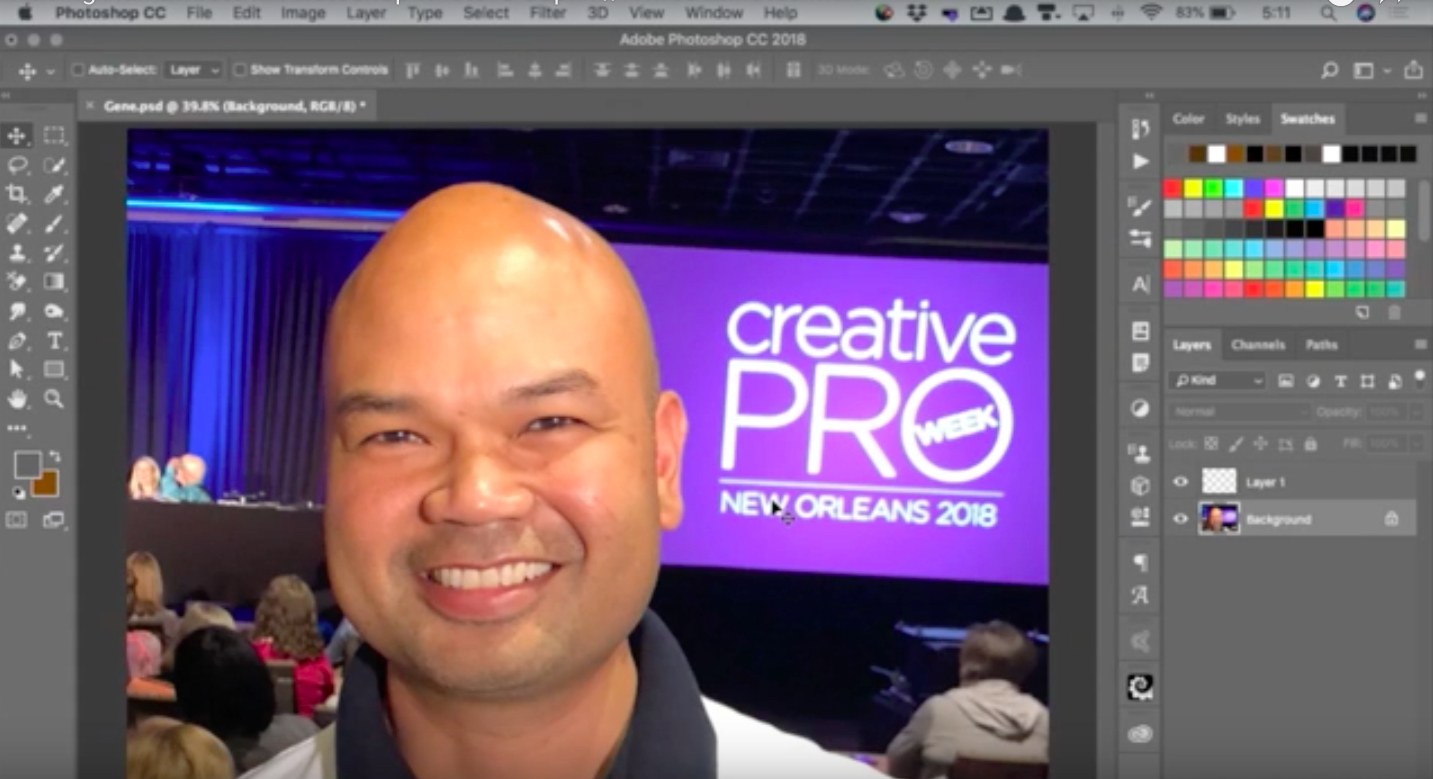
CreativePro Video: Adding Hair Effects in Photoshop
In this week’s CreativePro CreativePro video, Steve Caplin uses Photoshop to mak...