




In this “Three Minutes Max” video, Lisa Carney demos how to quickly adjust colors in product images in Photoshop. The technique she shows gives you an easy way to create multiple color versions and best of all, does it without needing to mask anything!
Subscribe to the CreativePro YouTube channel for more helpful design tips!
This article was last modified on August 29, 2025
This article was first published on November 7, 2020
Commenting is easier and faster when you're logged in!

Recommended for you
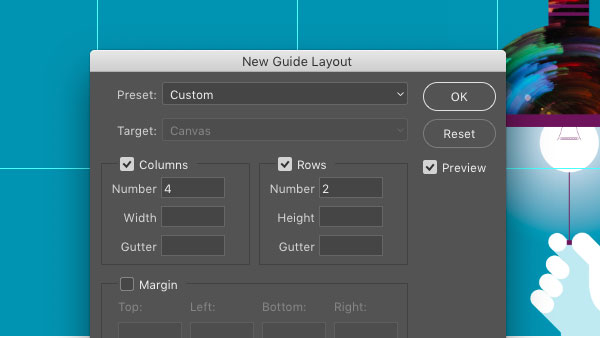
CreativePro Tip of the Week: Creating Guide Layouts in Photoshop
Ever need to create a set of regularly-spaced guides in a Photoshop document? Or...

Merging Separations into Composite CMYK plus Spot
Need to recombine pages that have been separated into individual color channels?...

Creating Dramatic Circular Text Effects in Photoshop
Learn two methods for creating circular text in Photoshop, plus how to enhance t...