




In this Bridge how-to, Theresa Jackson shows off the new “Super Resolution” option inside of Bridge. Using the Camera Raw filter, she demos how easy it is to enhance the resolution of an image while maintaining its high quality.
New videos every other Tuesday on our CreativePro YouTube channel. Be sure to subscribe so you don’t miss any!
This article was last modified on August 29, 2025
This article was first published on April 19, 2021
Commenting is easier and faster when you're logged in!

Recommended for you

Livestream Video: Batch Processing Photos in Adobe Bridge
If you're not using Bridge—you should be! Learn how to use its powerful processi...
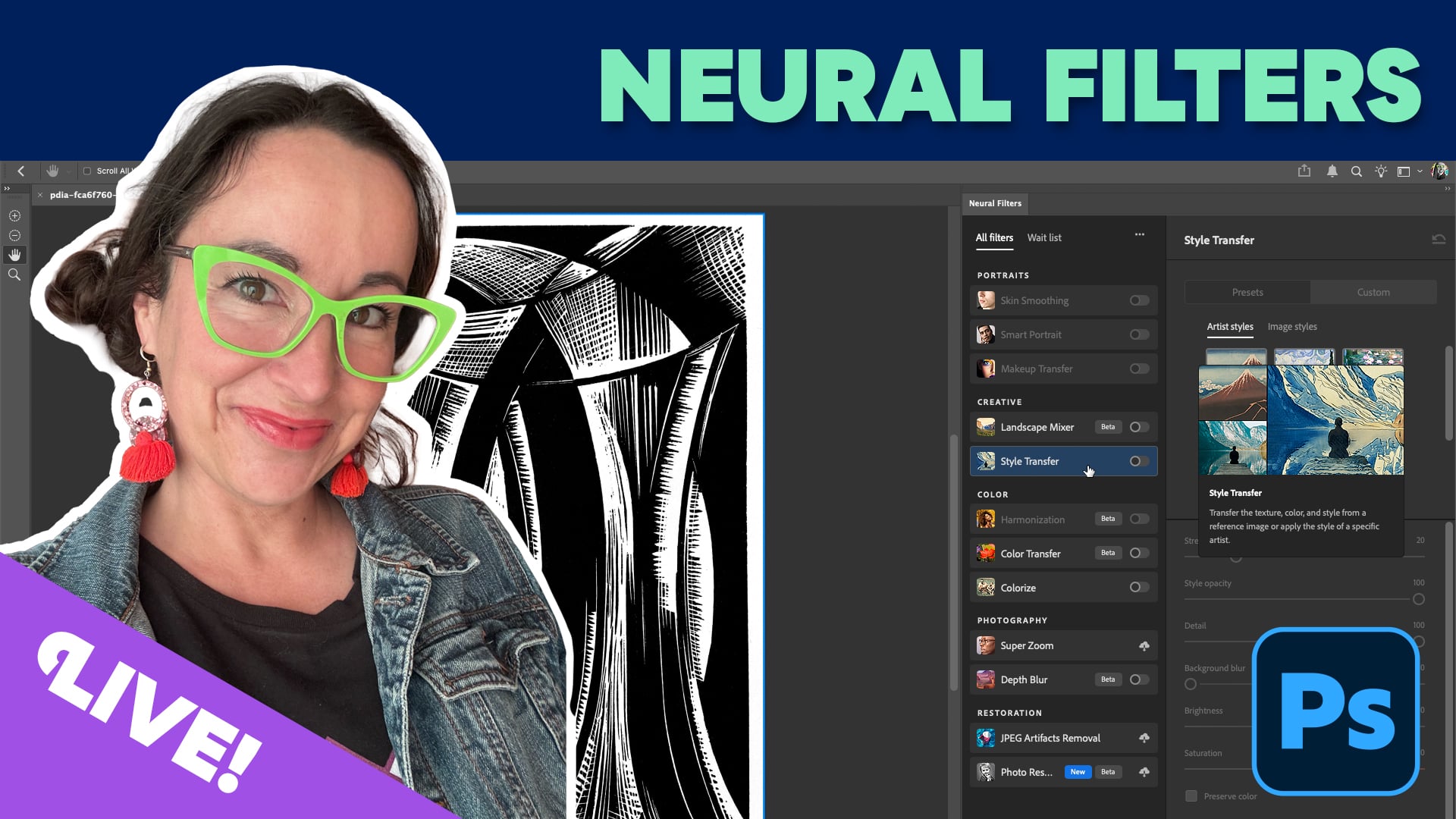
Livestream Video: Using Neural Filters for Rapid Photo Retouching
Photoshop's neural filters are yet another way to level up your Photoshop game....

Enlarging Images in Photoshop with AI Partner Models
A comparison of techniques for increasing the resolution of images with the help...