




In this week’s CreativePro video, Andrea Swingley shows how easy it is to rename several files at once using Adobe Bridge.
New videos every Tuesday on our CreativePro YouTube channel. Be sure to subscribe so you don’t miss any!
This article was last modified on February 12, 2019
This article was first published on February 12, 2019
Commenting is easier and faster when you're logged in!

Recommended for you
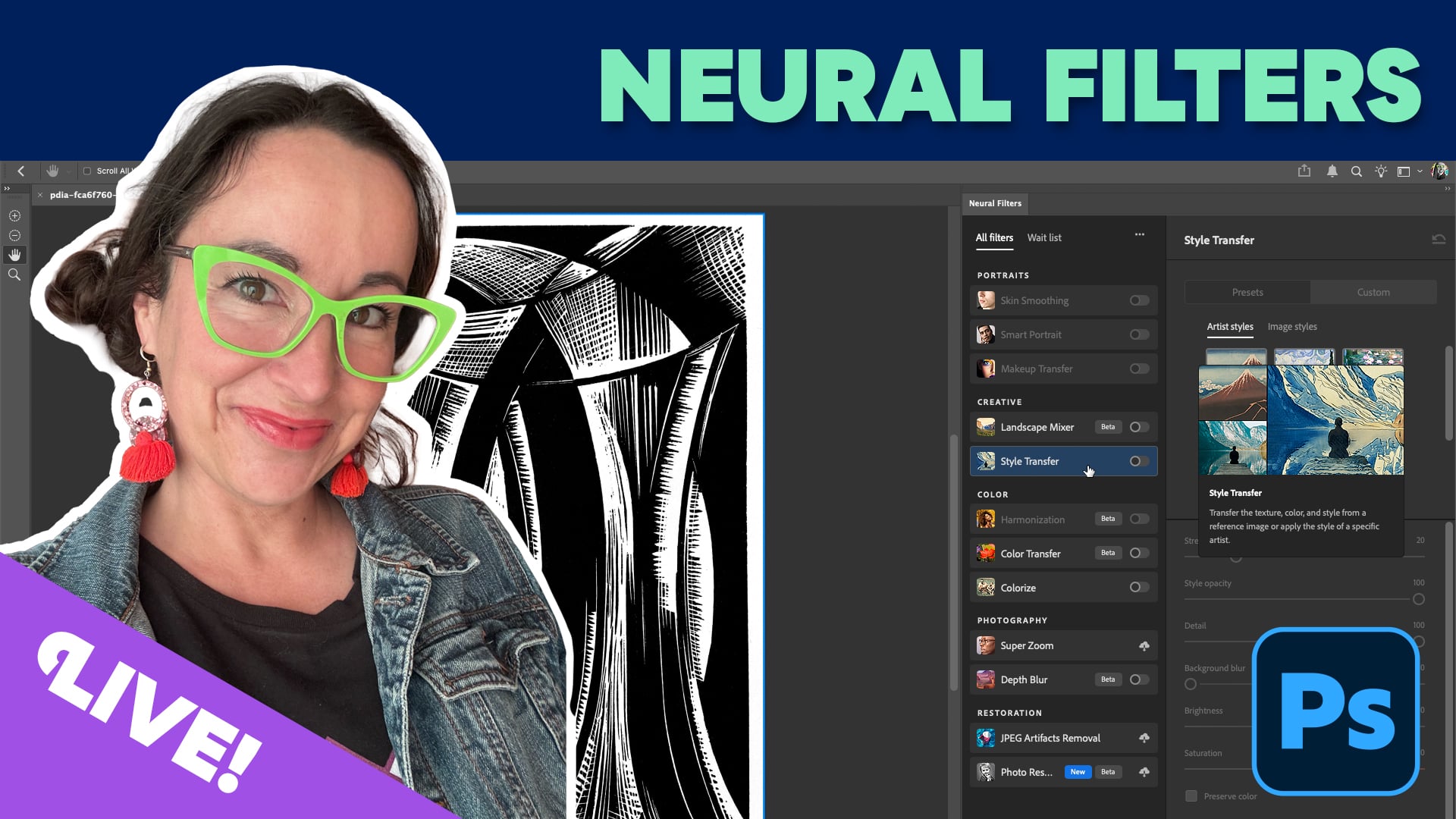
Livestream Video: Using Neural Filters for Rapid Photo Retouching
Photoshop's neural filters are yet another way to level up your Photoshop game....

Livestream Video: The One Tool Every Creative Needs
Watch host Khara Plicanic show how to simplify your workflow with Adobe Bridge.

How to Search Using Adobe Bridge
Khara Plicanic uses Bridge to search across multiple documents in a smarter way,...