




In this week’s CreativePro video, Nolan Haims demos how he fills an image to fit a slide, without going out to Photoshop. This tip comes in handy, especially when converting a presentation with a 4:3 aspect ratio to 16:9.
New videos every Tuesday on our CreativePro YouTube channel. Be sure to subscribe so you don’t miss any!
This article was last modified on August 29, 2025
This article was first published on October 9, 2019
Commenting is easier and faster when you're logged in!

Recommended for you

How to Use Photoshop’s Harmonization Filter
A quick and remarkably effective way to make images from different sources look...
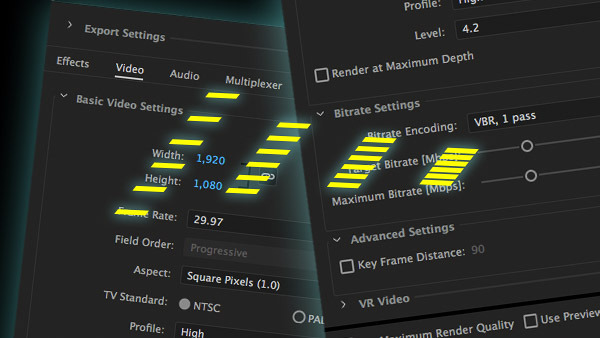
How to Compress Video
If you need to compress exported video for online viewing but you’re not familia...

Basic Tips for Color Management
In early December, a community of conference-goers explored best practices and n...