


CreativePro Video: Create Pie Charts in Illustrator
Learn an easy way to create simple pie charts in Illustrator by creating a circle, then letting Illustrator handle the math to create proportional pie pieces.
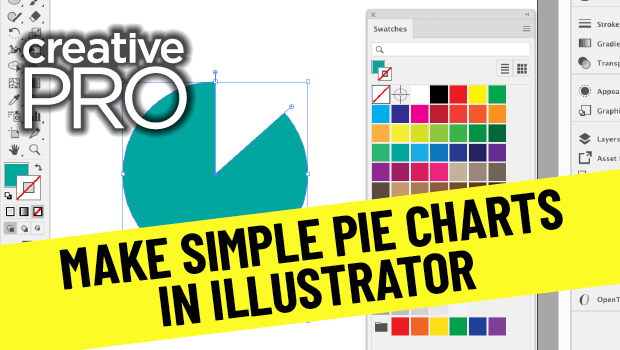
In this video, Jason Hoppe shows off an easy way to create simple pie charts in Illustrator. His technique, taken from his infographics session at CreativePro Week, is as simple as creating a circle, then letting Illustrator do a little math to create proportional pie pieces.
New videos every other Tuesday on our CreativePro YouTube channel. Be sure to subscribe so you don’t miss any!
This article was last modified on August 29, 2025
This article was first published on December 1, 2020
Commenting is easier and faster when you're logged in!

Recommended for you

Making Variable Bar Graphs in InDesign with Data Merge
Learn how to make bar graphs in InDesign, using an Excel formula, Data Merge, an...

Building an Org Chart or Flowchart in InDesign, Part 3
In part 3 of the series, David shows how to draw lines and re-align elements in...

Top Tips From CreativePro Week 2019
Erica Gamet shares a dozen of the coolest tips and tricks she learned at Creativ...