


CreativePro Video: Create Pie Charts in Illustrator
Learn an easy way to create simple pie charts in Illustrator by creating a circle, then letting Illustrator handle the math to create proportional pie pieces.
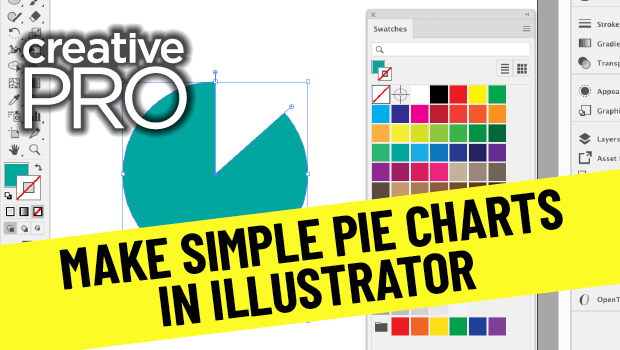
In this video, Jason Hoppe shows off an easy way to create simple pie charts in Illustrator. His technique, taken from his infographics session at CreativePro Week, is as simple as creating a circle, then letting Illustrator do a little math to create proportional pie pieces.
New videos every other Tuesday on our CreativePro YouTube channel. Be sure to subscribe so you don’t miss any!
This article was last modified on August 29, 2025
This article was first published on December 1, 2020
Commenting is easier and faster when you're logged in!

Recommended for you


Interview with Sam Luo, Designer and YouTube Creator
Discover how a passion for helping fellow students led the founder of LYH Studio...

Merge Ahead: Choosing the Right Tool for Variable Data Jobs
Which tool will smooth the road for the variable data that drives your customize...