




In this week’s CreativePro video, Nigel French demonstrates how to make a color palette from a photo in Illustrator. Where many color theme creators only create a five-color palette, Nigel’s method lets you choose as many colors as you want.
New videos every Tuesday on our CreativePro YouTube channel. Be sure to subscribe so you don’t miss any!
This article was last modified on August 29, 2025
This article was first published on August 7, 2019
Commenting is easier and faster when you're logged in!

Recommended for you
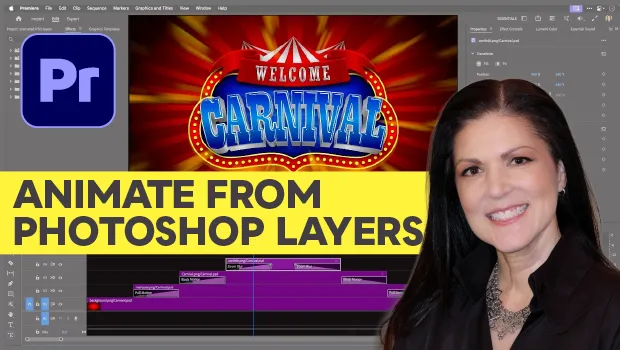
Animating a Photoshop Document with Premiere
Put your Photoshop files in motion with Adobe Premiere!
Interview with Nicte Cuevas, Brand Strategist and Designer
An award-winning strategist shares how personal resilience, cultural heritage, a...

CreativePro Week 2026 Preview: 5 Game-Changing Motion and Video Sessions
Here are five great sessions that will "motivate" you to join us in Nashville