




In this “Three Minutes Max” video, Laura Coyle demonstrates how to convert legacy static symbols to Illustrator’s newer dynamic symbols. She then shows how easy it is to make changes to individual symbols as well as global changes.
Three Minutes Max comes from a fun—yet very competitive—session at our annual CreativePro Week conference. Speakers have three minutes (max!) to wow the audience with the tip and win a prize for a lucky conference attendee.
New videos every week on our CreativePro YouTube channel. Be sure to subscribe so you don’t miss any!
This article was last modified on August 29, 2025
This article was first published on July 17, 2019
Commenting is easier and faster when you're logged in!

Recommended for you
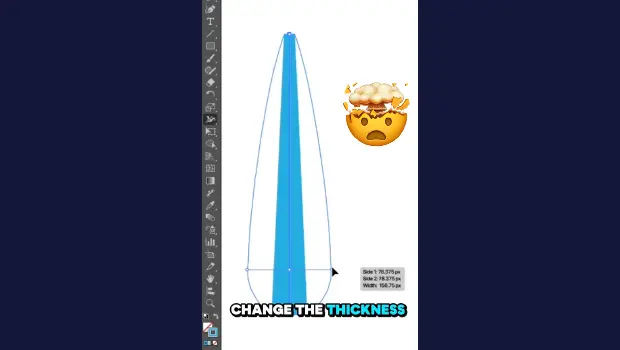
Create Variable-Width Strokes in Illustrator
Create a flowing, multi-thickness stroke in Illustrator with the Width tool!
Essential Illustrator Shortcuts
Save time with Kat Kremser's cheat sheet of Illustrator shortcuts!

CreativePro Week 2026 Preview: 5 Pixel-Perfect Photoshop and Illustrator Sessions
Our Editor in Chief lists his must-see Photoshop and Illustrator sessions at Cre...