




In this week’s CreativePro video, Jesús Ramirez demos how to get better automatic color correction in Photoshop. He shows us a couple of tricks for handling the automatic conversion and then highlights an extra tip to achieve great color.
New videos every Tuesday on our CreativePro YouTube channel. Be sure to subscribe so you don’t miss any!
This article was last modified on August 29, 2025
This article was first published on July 10, 2019
Commenting is easier and faster when you're logged in!

Recommended for you

Interview with Rob de Winter, AI Trailblazer and Educator
Q&A with Rob de Winter, who is presenting at The Design + AI Summit 2025
What’s New in Photoshop: April 2026
New features for removing unwanted people and objects, rotating objects, and ren...
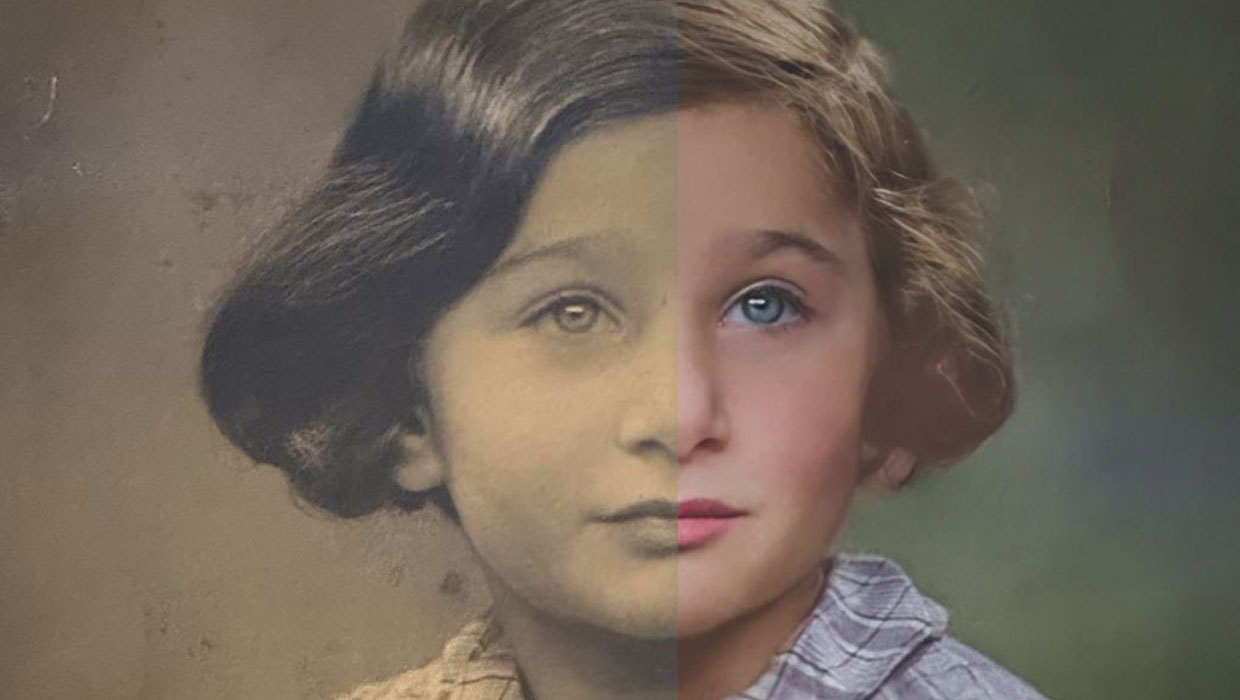
Using the Photo Restoration Neural Filter in Photoshop
This Neural Filter uses AI to remove scratches and other damage, and enhance fac...