




In this CreativePro video, Presentation Designer Jole Simmons demonstrates how adding a little movement to still images can spice up a presentation’s slides. He shows you how a little movement can create what he calls, “Showstopper” slides.
This video is an excerpt from Jole’s “Secrets of Silicon Valley Presentations” session at CreativePro Week.
New videos every week on our CreativePro YouTube channel. Be sure to subscribe so you don’t miss any!
This article was last modified on December 22, 2023
This article was first published on February 19, 2019
Commenting is easier and faster when you're logged in!

Recommended for you
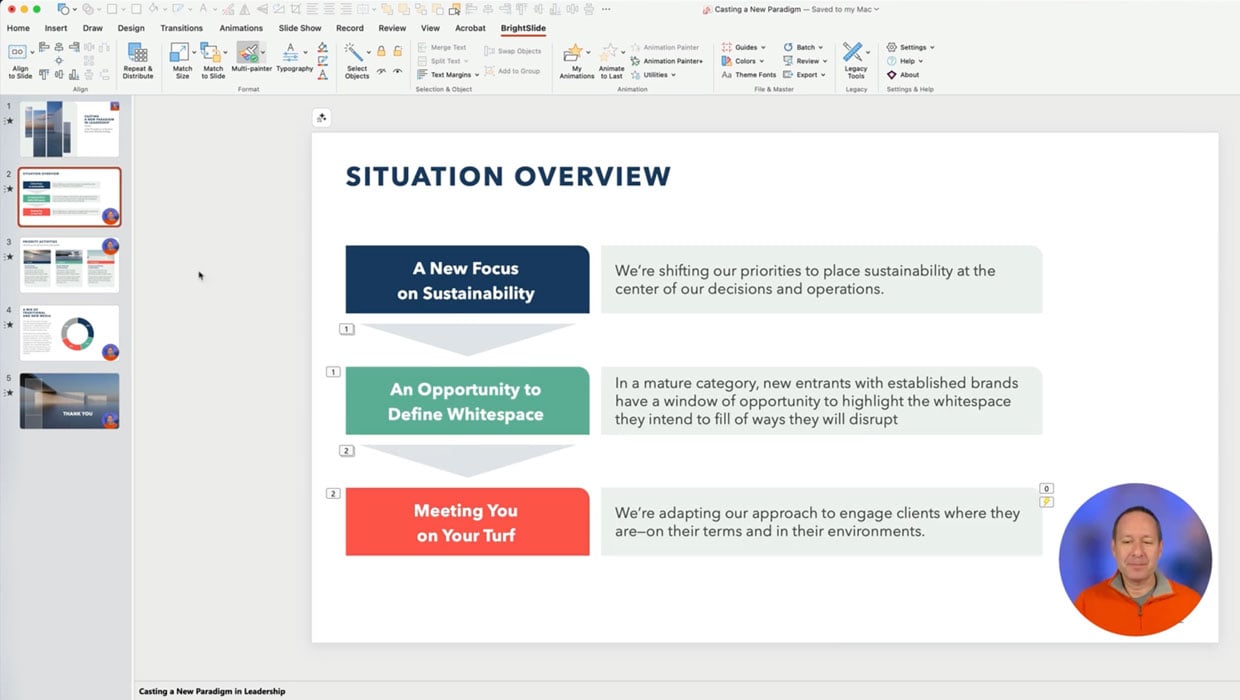
Members-Only Video: Using the Built-in Recording Tools in PowerPoint
Learn how to record your PowerPoint presentation so it can be played back later...
Don’t Sweat the Math—Let Photoshop Do It!
Let Photoshop—and other Adobe apps—do the math for you when entering numerical v...

How to Be a Better Designer: The Rules
Throughout this series, several themes have recurred: study graphic design histo...