




In this Photoshop how-to, Lisa Carney shows a quick way to add a sky effect to the background of an image. She explains how to continue the “sky replacement” effect across the entire canvas, plus how to adjust the lighting and mask, as well.
New videos every other Tuesday on our CreativePro YouTube channel. Be sure to subscribe so you don’t miss any!
This article was last modified on August 29, 2025
This article was first published on April 2, 2021
Commenting is easier and faster when you're logged in!

Recommended for you

Dehazing an Image in Photoshop
Learn how to rescue images beset by fog and atmosphere with Photoshop's Camera R...

How to Mask Hair Using Today’s Techniques in Photoshop
Using Photoshop features like Generative Fill and Select and Mask makes the job...
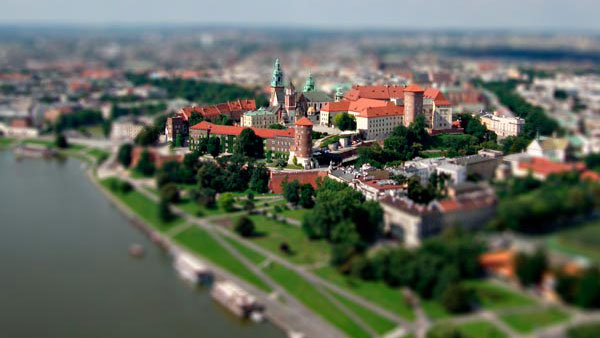
Creating Tilt-Shift Effects in Photoshop
The Tilt-Shift effect makes aerial views of landscapes look like model villages....