
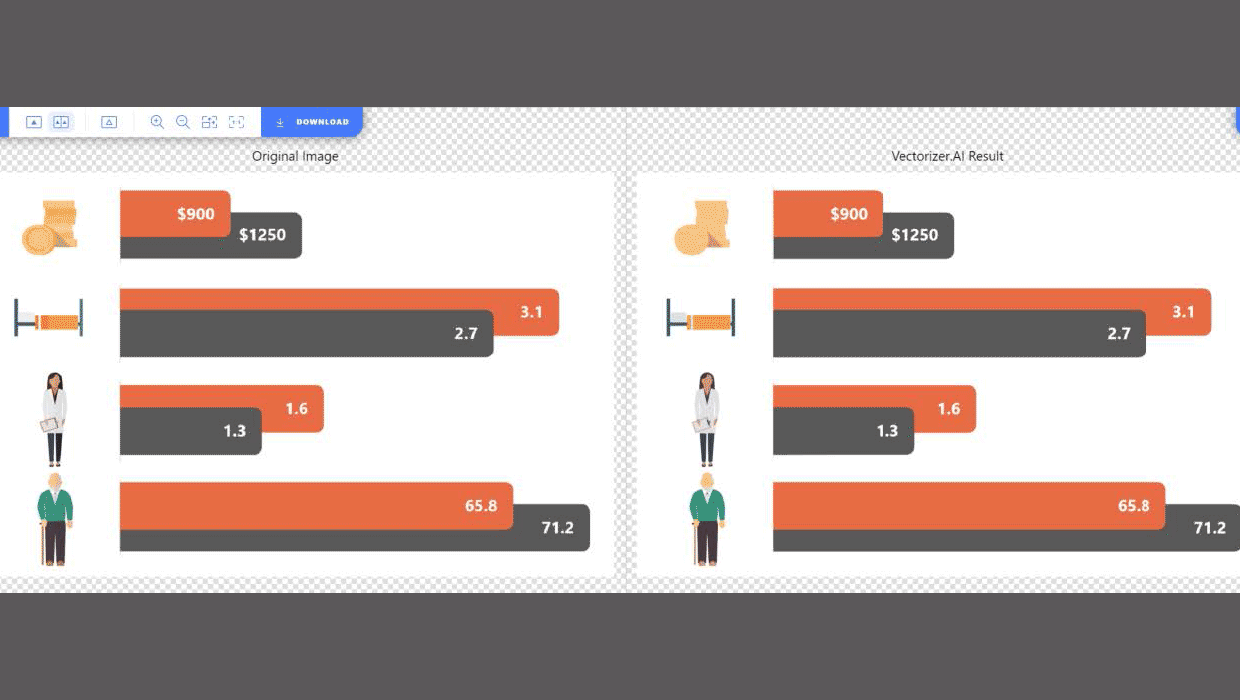
Very simply, Vectorizer.ai turns images into vectors. JPG, PNG, and other raster graphics often don’t scale well as the number of pixels they contain is fixed. So when you scale them up, you’re showing the same information at a larger size. File size can also potentially be an issue with large images. And trying to edit the image requires Photoshop wizardry.
Vectorizer.ai turns the image into a vector file that will scale beautifully, generally be of lower file size, and give you more flexibility to modify the graphic.
You could potentially use it on actual photos, but you usually get a very stylized image that’s unlikely to be useful. But to recreate diagrams and charts that you can then modify, it’s a fabulously useful tool in presentations. It allows you to update, resize, and recolor complex diagrams and charts fairly easily.
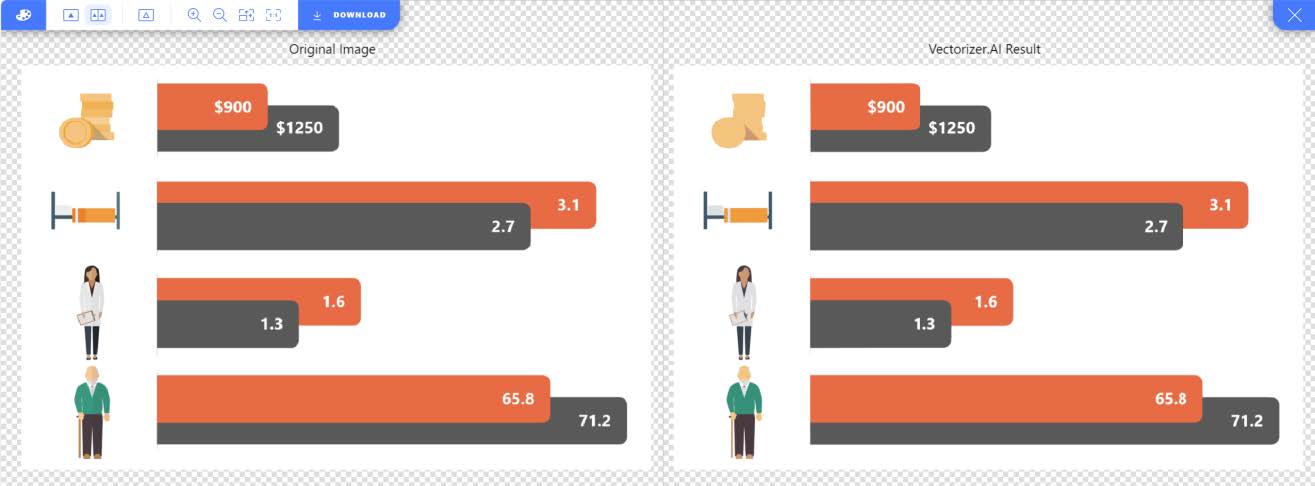

Vectorizer.ai is currently free to preview, but to download content you need to subscribe ($10 per month), or you can buy a package of credits for an API to use through add-ins for various graphics packages.
BrightCarbon is currently working on an add-in to use Vectorizer directly within PowerPoint, but the folks at Vectorizer still need to finalize a few things before this can be launched. Hopefully soon. For now, you can use it on the web.
This article was last modified on October 7, 2024
This article was first published on October 7, 2024
Commenting is easier and faster when you're logged in!

Recommended for you

The Digital Art Studio: Recoloring a Scan with Illustrator
How to recolor Illustrator images with a new color palette—and do it quickly.

InDesign How-to Video: How to View Selected Text Color
In this week’s InDesignSecrets video, Mike Rankin shows us how to view the actua...