



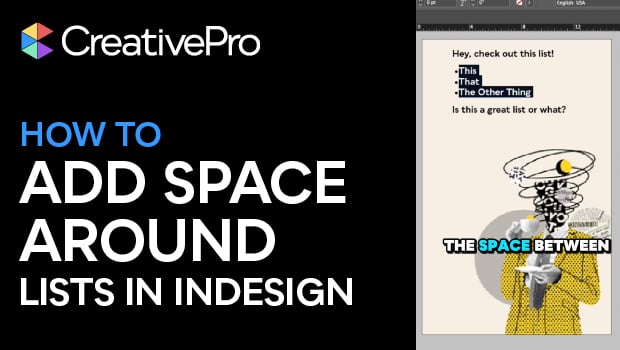
In this quick video, Khara Plicanic shows how to add space before and after a list, without creating multiple paragraph styles. With this simple InDesign fix, you can give your numbered or bulleted lists a little well-deserved breathing room.
Subscribe to the CreativePro YouTube channel for more helpful design tips!
This article was last modified on December 29, 2025
This article was first published on December 29, 2025
Commenting is easier and faster when you're logged in!

Recommended for you

The Puzzling Pasted Text Contest Answer and Winner
Solve this InDesign mystery for a chance at winning a great prize.

Formatting Tips for Bullets and Numbered Lists
Take control of the look of your lists with these tips on formatting them with p...

Editor’s Picks for The InDesign Conference 2025
Our Editor in Chief lists his must-see sessions for the InDesign Conference 2025...