



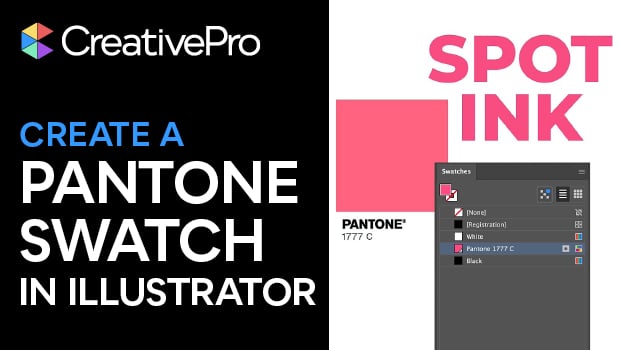
In this Illustrator how-to video, Theresa Jackson mourns the loss of Pantone swatches in Adobe software — but also shows you how to create your own! Starting with Pantone’s color finder tool, Theresa finds her chosen color and then she tracks down the RGB color values. Back in Illustrator, she demonstrates how to input the color into the Swatch panel.
Subscribe to the CreativePro YouTube channel for more helpful design tips!
This article was last modified on February 6, 2026
This article was first published on February 6, 2026
Commenting is easier and faster when you're logged in!

Recommended for you

CreativePro Conference Speaker Spotlight: Michael Ninness, Designer, Dad & Beachcomber.
Welcome to our new series of posts called Speaker Spotlight, designed to highlig...

Illustrator CC 2018 New Features
Adobe Illustrator CC 2018 brings several exciting enhancements, including Variab...

Illustrator Downloadable: Cozy Plaid Pattern Set and Palette
Use this Illustrator downloadable to evoke cozy warm feelings in your vector art...