



Corel Corporation (NASDAQ: CREL; TSX: CRE), a leading developer of graphics, productivity and digital media software, today announced that its award-winning Corel Painter Essentials 4 digital art software is now available in nine languages, including Japanese, Korean, Chinese (Traditional and Simplified), French, Italian, Spanish and German.
Based on Corel Painter, the world’s most powerful Natural-Media painting and illustration software, Corel Painter Essentials 4 includes everything new users need to set up their own home art studio. Featuring a wide selection of paint brushes, pencils, paper textures and built-in tutorials, Painter Essentials 4 is the perfect program to help users get started with digital art and create stunning paintings – either from existing photos or from scratch.
“The excitement around Corel Painter Essentials 4 continues to grow,” said Rob MacDonald, Product Manager, Corel Painter Essentials. ” With the release of new languages for customers across Asia and Europe, we are further strengthening the global presence and reach of Corel’s powerful yet easy to use home art studio.”
Available on the Macintosh and Windows platforms, Corel Painter Essentials 4 can be purchased through www.corel.com or Corel’s global channel partners for a suggested retail price of $99 US for the full version and $69 for the upgrade. Customers can also learn more by visiting the Painter Essentials Cafe, where current users share their favorite tips and creations in a lively online community environment.
For more information about Corel Painter Essentials 4 or to download a free, fully-functional trial version, please visit www.corel.com/painteressentials. To view an online demonstration of Corel Painter Essentials 4, please visit YouTube at www.youtube.com/watch?v=3UeI07Y6FdA.
This article was last modified on June 19, 2020
This article was first published on May 5, 2008
Commenting is easier and faster when you're logged in!

Recommended for you

Resizing InDesign Layouts with AI
Most designers don’t create a single deliverable anymore. They create campaigns....

Convert to Outlines in InDesign and Keep Your Editable Text
Khara Plicanic creates text outlines and keeps an editable copy with one click!
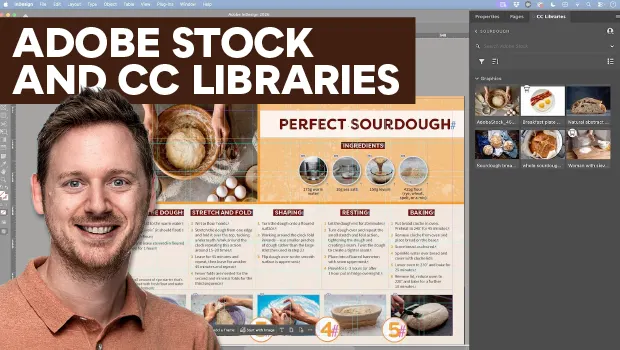
Find Adobe Stock Assets Without Leaving InDesign
Find Adobe Stock assets without ever leaving InDesign!