



This InDesign tip on setting ruler guide visibility threshold was sent to Tip of the Week email subscribers on May 23, 2018.

Sign up now and every week you’ll get a new tip, keyboard shortcut, and roundups of new articles, plus exclusive deals sent right to your Inbox!
Just scroll down to the bottom of this page, enter your email address, and click Go! We’ll take care of the rest. Now, on with the tip!
Guides can be a great help in positioning items on the page, but they can also clutter up your view. You can hide all guides by doing things like putting them on their own layer and hiding the layer, or switching to Preview mode. But there’s another option you can take advantage of that will make guides disappear automatically depending on your zoom level.
Every guide has a View Threshold setting that you can see and change by selecting the guide and choosing Layout > Ruler Guides.

The default is 5% which also happens to be InDesign’s minimum zoom level, so your guides will always be visible unless you edit this setting.

If you increase the View Threshold, then the guides will only appear when you are zoomed to that magnification or higher. So, for example, setting the threshold to 200% will keep your guides hidden until you zoom in for close-up work.


Bonus tip: Change the threshold with no guides selected to make a new default setting for all new guides you make.
This article was last modified on July 7, 2021
This article was first published on May 29, 2018
Commenting is easier and faster when you're logged in!

Recommended for you

Tip of the Week: How to Find Tables With Find/Change
How to use Unicode to find tables in InDesign with Find/Change.
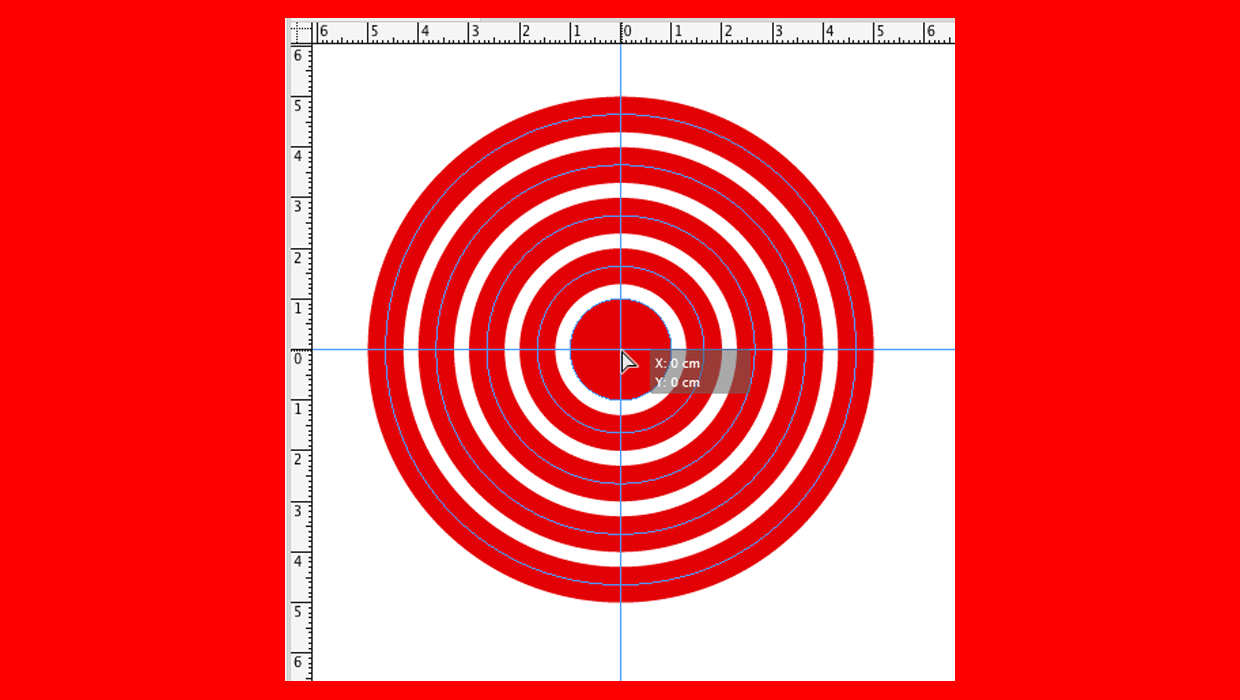
How to Create Crosshairs Guides in InDesign
How to create vertical and horizontal guides at the same time to make crosshairs...
Tip of the Week: Gridify Magic
This tip was sent to Tip of the Week email subscribers on November 19, 2015. Sig...