




In this quick Illustrator video, Khara Plicanic shows how to control the amount of snappiness used when moving objects near each other or guides on the pasteboard. Whether you want to be super precise or a little more relaxed, you are in control of the snapping!
Subscribe to the CreativePro YouTube channel for more helpful design tips!
This article was last modified on July 23, 2026
This article was first published on July 23, 2026
Commenting is easier and faster when you're logged in!

Recommended for you
InDesign’s Two Types of Guides
Khara Plicanic demonstrates the two different types of guides in InDesign and ho...
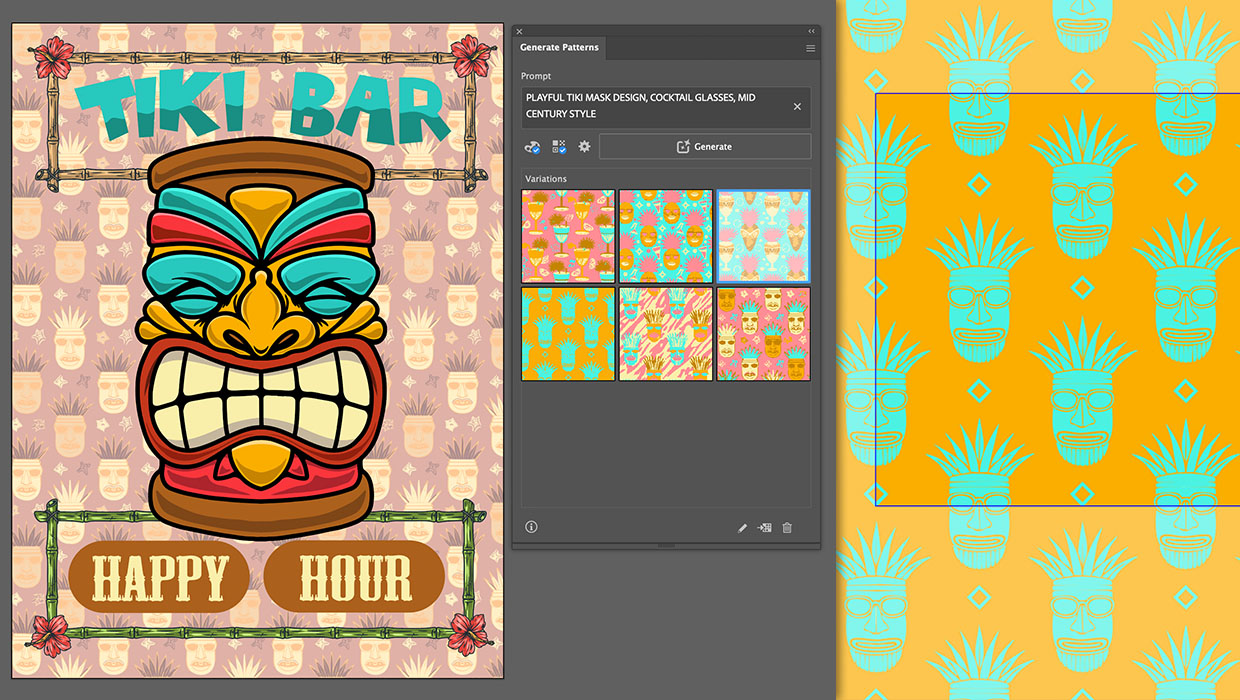
Generating Vector Patterns in Illustrator
Making patterns from prompts opens up a whole new world of creative possibilitie...
Review: Astute Manager Pro
This new service makes it easy to back up, restore, and sync your Illustrator se...