




Jack wrote:
Do you know a way how to create spreadsheets in InDesign? I want to set up an invoice form with a table that adds up certain cells when I punch in $ values, like in Exel.
Unfortunately, InDesign won’t do that out of the box. Fortunately, the SmartStyles plug-in from Woodwing will do it for you. Unfortuanately, I haven’t tried this feature in SmartStyles because I don’t have a recent version of it. Fortunately, other folks have reported to me that it works. Unfortunately, I don’t know the scope of its abilities to do calculations (only addition? subtraction? multiplication?). Fortunately, you can get a demo version or download the manual and probably learn if it’ll work for you pretty quickly. Unfortunately, I can’t do this for you because I’ve got in-laws coming for the holidays, we have 30 cm of snow (our area normally gets no more than about 5 cm), and my wife wants me to clear the driveway. With what, a soup ladle?
So. Do me a favor. Anyone who has used SmartStyles, let us know below how well it works for performing spreadsheet-like calculations inside InDesign.
By the way, SmartStyles does far more than just calculations, of course. It lets you sort data in a table, create sophisticated table styles (more sophisticated than you can in ID itself), and so on.
This article was last modified on December 19, 2021
This article was first published on December 22, 2008
Commenting is easier and faster when you're logged in!

Recommended for you

Mapping Paragraph Styles to PDF Tags in InDesign
Map Paragraph Styles in your InDesign document to the proper tags for accessible...

Interview with Sam Luo, Designer and YouTube Creator
Discover how a passion for helping fellow students led the founder of LYH Studio...
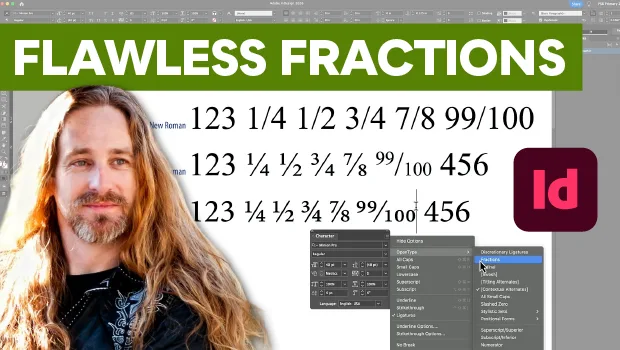
Create Flawless Fractions with OpenType
Choose your font carefully if you need flawless fractions!