




In this “Three Minutes Max” video, Jesús Ramirez shows off an easy way to blend Photoshop layers, based on the color channels in the images. This method allows for easy adjustments that only affect one layer, and not the entire image.
Wondering how Jesús got that banana in the toolbar? It’s a Photoshop “easter egg,” which you can read about here.
Three Minutes Max comes from a fun—yet very competitive—session at our annual CreativePro Week conference. Speakers have three minutes (max!) to wow the audience with the tip and win a prize for a lucky conference attendee.
New videos every week on our CreativePro YouTube channel. Be sure to subscribe so you don’t miss any!
This article was last modified on August 29, 2025
This article was first published on March 4, 2020
Commenting is easier and faster when you're logged in!

Recommended for you

Using Text-Based Video Editing Apps
Edit your videos like you would edit a Word doc using these AI transcription too...
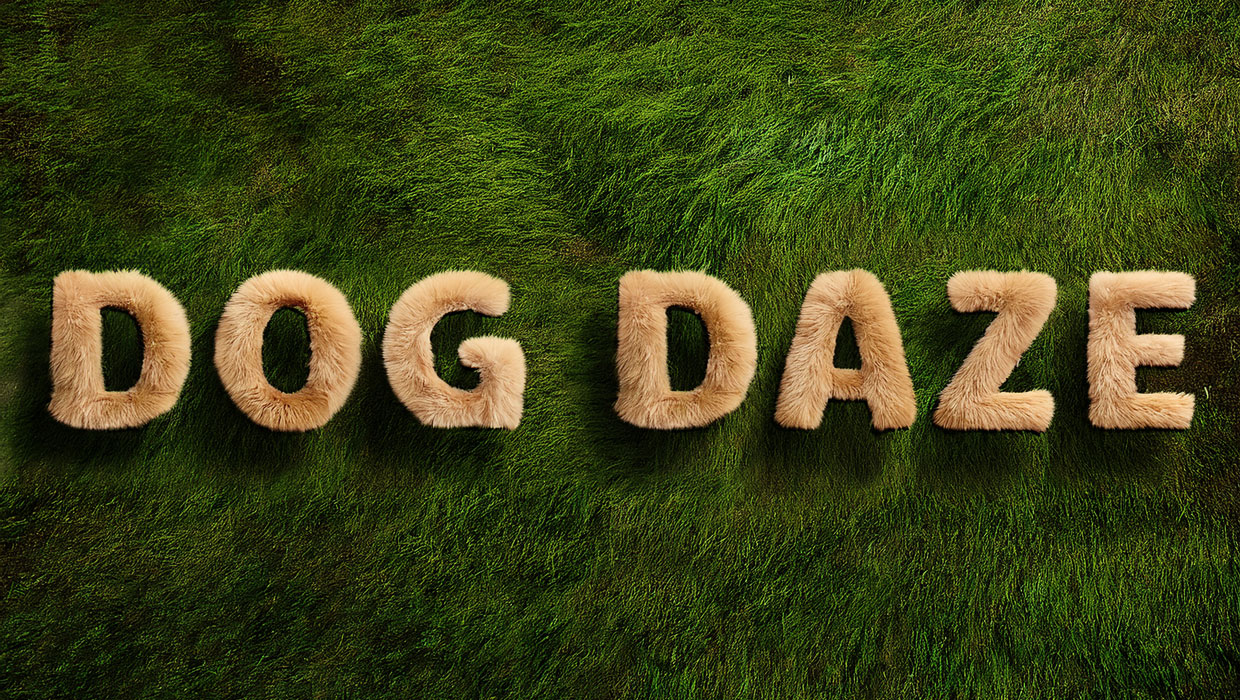
Creating Fluffy Text with AI in Photoshop
How to create a fun text effect that looks like fluffy fur on a grass background...
Interview with Rob de Winter, AI Trailblazer and Educator
Q&A with Rob de Winter, who is presenting at The Design + AI Summit 2025