




Steven wrote:
I have a question regarding the export of InDesign files to SWF, as spreads. I did this recently for the first time, using an 8-page brochure set up as facing pages. However, when I viewed the swf file, the first page had a white page to the left of it. The same thing happened with the last page — a white page to the right, showing all of the elements bleeding off the right side of my INDD file’s last page.
I agree that this is not immediately intuitive. After all, in the InDesign document there is no page to the left of the first page or to the right of your last page. But when you export a SWF file with the Spreads checkbox turned on, the swf does in fact appear as a left-and-right-page spread even on the first and last page.
Basically, when you turn on Spreads, InDesign sets the width of the swf to the widest “page” in the document, which it typically the width of a spread. That’s why it looks correct if it’s just a one- or two-page InDesign file, but changes after the third page. That’s frustrating if you’re trying to create a “booklet” effect that appears to have a cover.

I wish I had a good solution for you, but I don’t. In general, if you want it to look like “spreads” you’ll need to design a double-wide front page. Or use PDF, which is really better at displaying booklets.
This article was last modified on December 19, 2021
This article was first published on April 2, 2009
Commenting is easier and faster when you're logged in!

Recommended for you

Interview with Sam Luo, Designer and YouTube Creator
Discover how a passion for helping fellow students led the founder of LYH Studio...

A Script to Rotate Objects in InDesign with an Object Style
If you were to ask me how to use an object style to rotate objects in InDesign,...
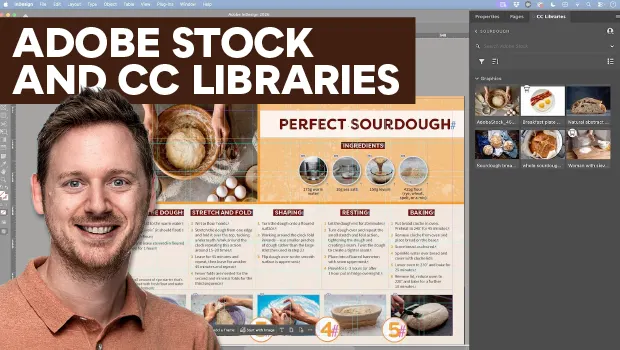
Find Adobe Stock Assets Without Leaving InDesign
Find Adobe Stock assets without ever leaving InDesign!