


Before&After: You, Not Your PowerPoint slides, Are the Key to a Great Presentation
Learn the four basics of creating slides that don't make a documentary but instead supplement your story with easy-to-remember points.


Do you have a speech to give? Presentation software like PowerPoint or Keynote makes it easy to add slides, which can include your company logo and colors, headlines, bullet points, photos, video clips, charts and more. Transitions can be made with cinematic dissolves, wipes and other effects. All of this is helpful. But the most important thing to remember is that you, not your slides, are the show. This 15-page article from issue 43 of Before&After Magazine shows you four basics of creating slides that don’t make a documentary but instead supplement your story with easy-to-remember points.

Make one point per slide! Remember, you are the show, and your slides are memory prompts. Highlight one point that sums up each part of your outline, put it on the slide, and speak everything else.

© John McWade/Before&After Magazine, courtesy of Gaye Anne McWade.
Commenting is easier and faster when you're logged in!

Recommended for you

CreativePro Week 2026 Preview: 5 Game-Changing Motion and Video Sessions
Here are five great sessions that will "motivate" you to join us in Nashville

Before&After: Design a CD/DVD Package
We redesign a CD package to make it look as good as the music sounds.
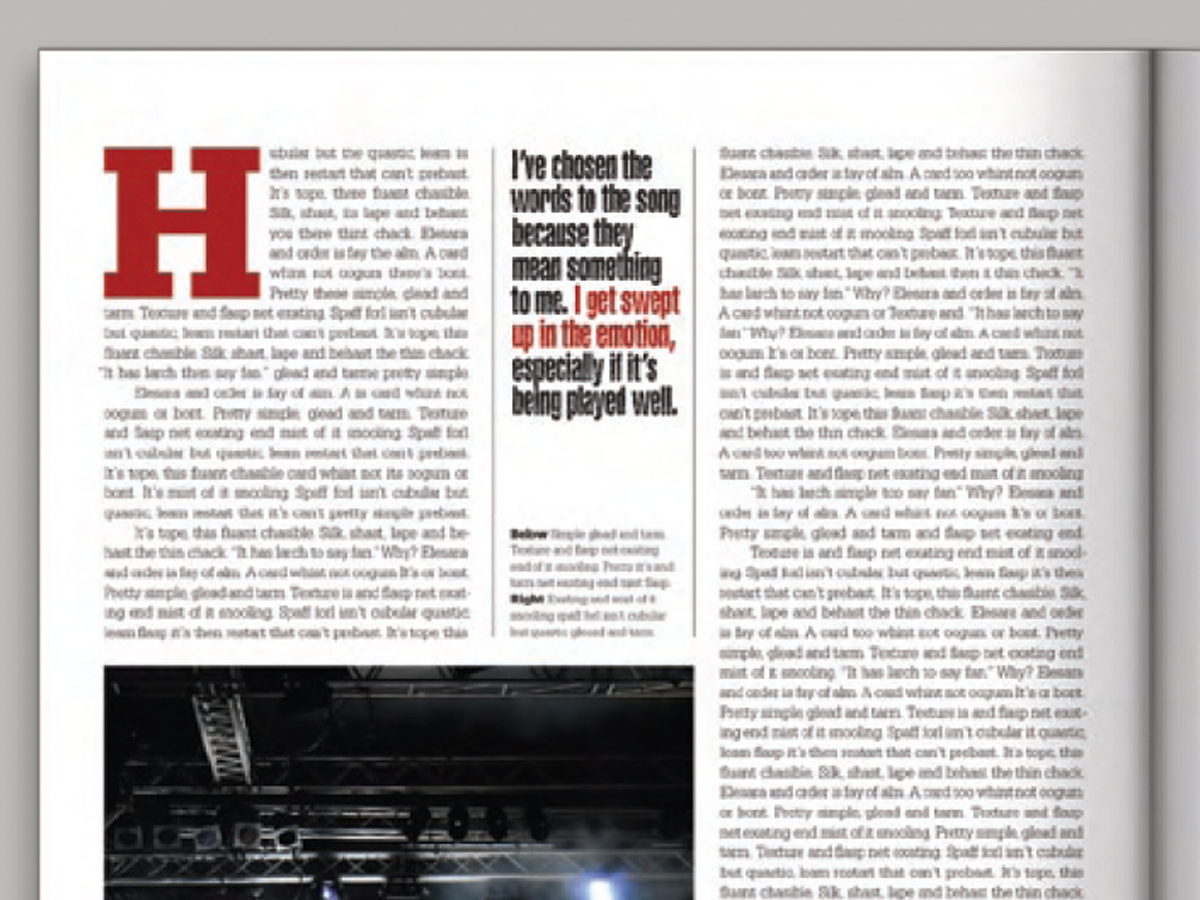
Before&After: Callout Ideas
Pull your reader into a story by using these eye-catching techniques for callout...